I spent nine years as a backend engineer sitting ten hours a day, and my L5 disc filed its complaint when I was 31. My physical therapist gave me a simple choice: move every hour, or pay for it later. That is how I ended up rebuilding a home office around a walking pad, a step counter, a tape measure, and a spreadsheet of decibel readings. This under desk walking pad comparison is the version of that spreadsheet I would hand to a friend: four products, no hype, and a clear answer for who should buy which one.
Related: Walking Pad Noise Claims: Why 55 dB at Idle Means Nothing
The short answer: the FOUSAE Walking Pad with Incline is the most capable machine in this group and the one I would pick for a real workday. The compact pad is the right buy if you want the lightest, simplest thing that slides under a desk. The handle bar model is for anyone who wants something to hold. The WHOOP tracker is here because a pad you stop using is a very expensive footrest.
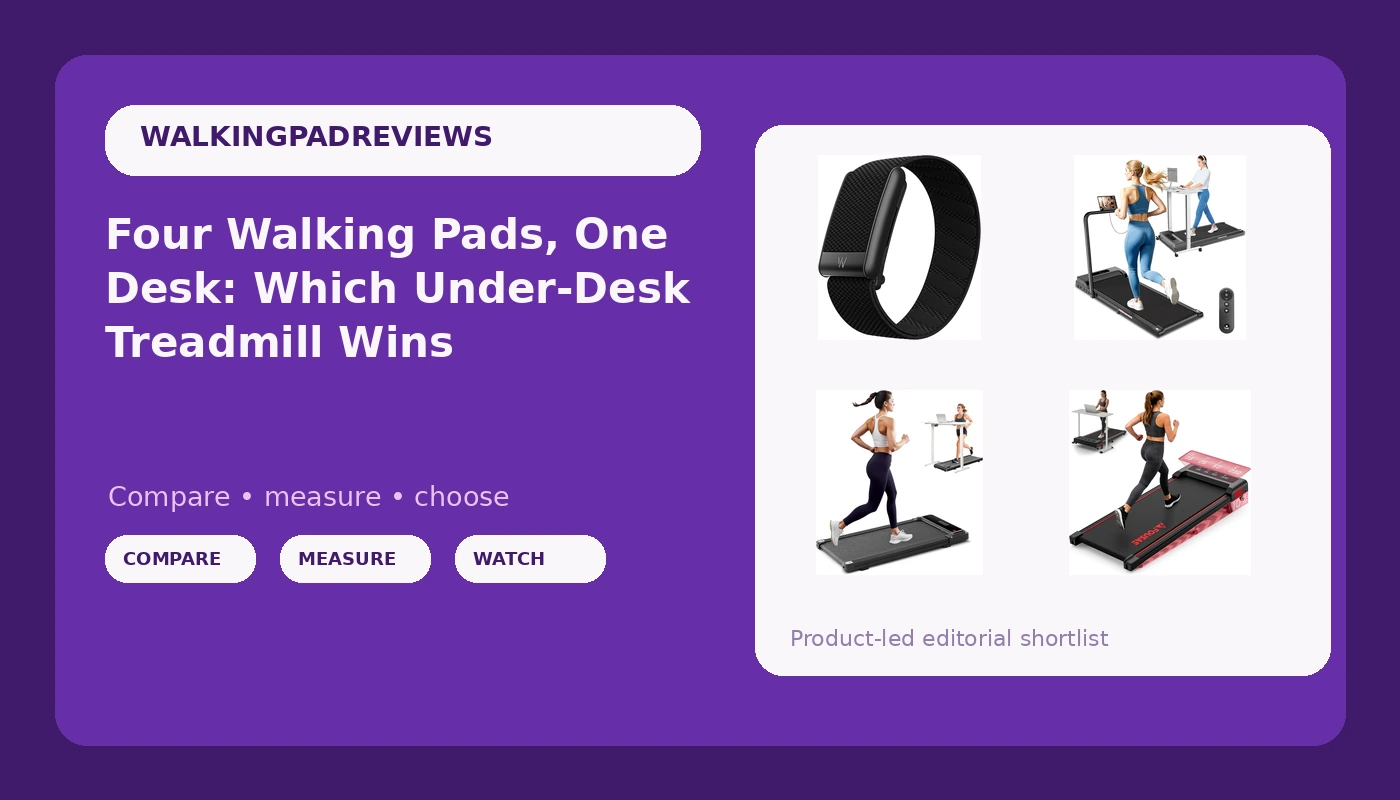
WHOOP 5.0/MG Activity Tracker - 12 Month Membership - Health and Fitness Wearable, 24/7 Activity and Sleep Tracker, Personalized Coaching, Menstrual Cycle Insights, 14+ Days Battery Life
Measures total daily movement, not just the session, with 24/7 activity and sleep tracking and a 12 month membership included
It is a subscription wearable, not a treadmill, and it cannot tell you whether a belt wobbles
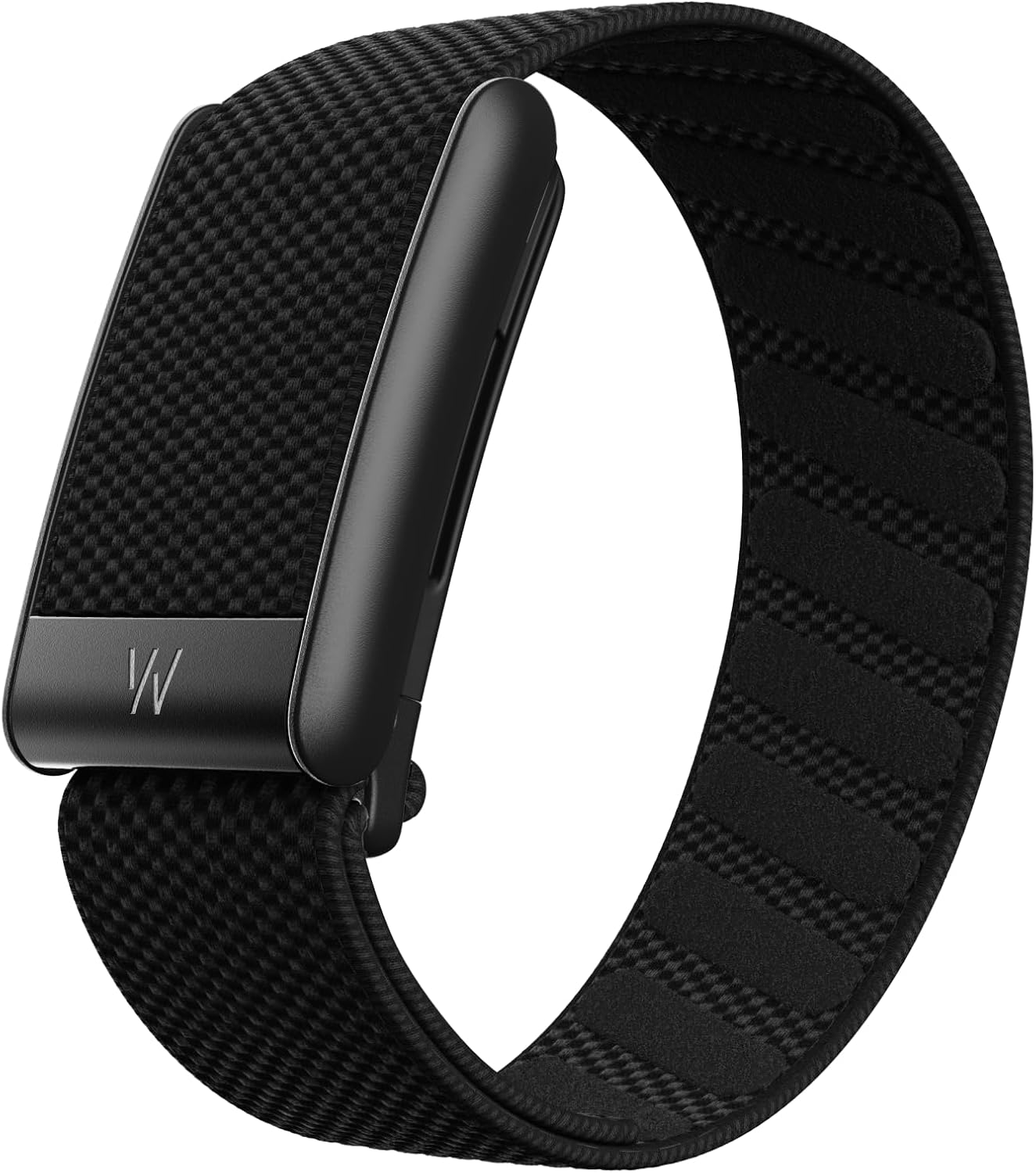
Walking Pad Treadmill for Home with Handle Bar, 3.0HP Low Noise Portable Under Desk Walking Pad with Remote Control, 250 LBS Capacity, LED Display
The handle bar gives you something to grab, which matters after an injury or when balance is not what it was
The bar makes it much harder to slide under a bed, and gripping it for an hour changes your posture
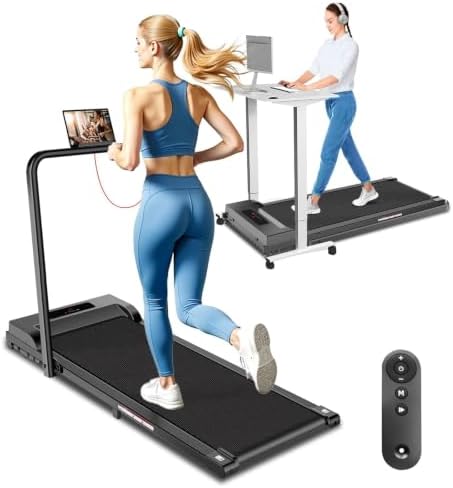
Compact Walking Pad Under Desk Treadmill, Portable Electric Walking Treadmill with Remote Control & LED Display for Home Office, Quiet Fitness Machine
The lightest and simplest pad here: a belt, a motor, a remote, and an LED display with nothing to configure
Thin published spec sheet with no motor rating or weight capacity in the name, so it is hard to compare head to head
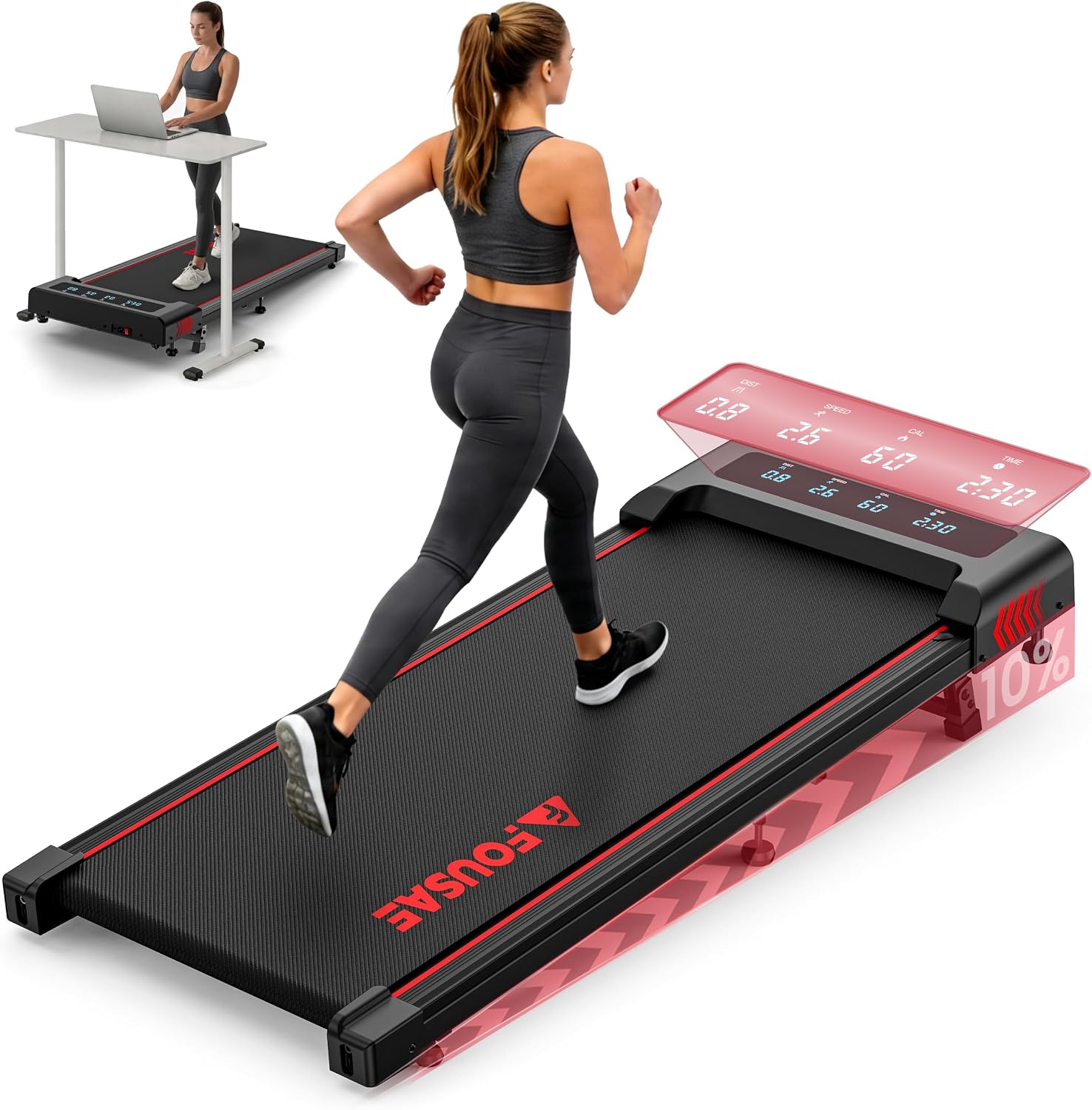
Walking Pad with Incline, FOUSAE 6.2MPH Walking Pad Under Desk Treadmill with 10% Incline, Full Screen LED Display, 2.75HP Brushless Drive, 12 HIIT Programs, Remote Control, 350 LBS Capacity
10% incline adds workload without adding speed, with a brushless drive, 350 lb capacity, and a full screen LED display
The most complex machine here, and an incline raises the deck, so desk clearance becomes a real constraint
Prices and availability were captured from Amazon Creators API and may change.
How I compare walking pads
Under-desk treadmills are not treadmills. A gym treadmill is built around running gait: wider belt, bigger motor, a frame that absorbs a landing. A walking pad is built for 1 to 3 mph, often barefoot, while you type. Judging one against the other is how people end up disappointed, or unstable at speed.
I have not logged a full workday on every pad in this list, and I am not going to pretend otherwise. What I can do is read a spec sheet the way I read one for my own desk: peak versus sustained horsepower, belt width, deck height, the remote, and the warranty. Those five things predict how a pad feels in month six far better than any product photo.
I also match the machine to the desk. A pad is useless if it does not fit under the desk you already own, and an incline pad needs more clearance than a flat one. Measure the gap under your desk, measure it again with your chair in the way, and then buy.
The incline pad: the most capable machine here
The FOUSAE Walking Pad with Incline is the most interesting product in this group because incline changes the work without changing your cadence. At 2 mph on a flat belt, most people settle into a shuffle. Add 10% and the same speed recruits more from the posterior chain, which is exactly the set of muscles a decade of sitting leaves asleep.
On paper it is the most ambitious of the three pads: a 2.75HP brushless drive, a claimed 6.2 mph top speed, 350 lb capacity, a full screen LED display, 12 HIIT programs, and a remote. Two cautions. First, a brushless motor is quieter and more efficient, but 6.2 mph is running speed. Walking pads are not built for running gait, and that is a different safety profile on a different belt. Stay at walking speed. Second, 12 HIIT programs on an under-desk machine are a marketing feature, not a training plan. Use the incline and ignore the presets.
The trade-off is complexity and clearance. An incline raises the deck, so check the space under your desk before you order, and remember that the machine with the most features has the most parts that can fail. That makes the warranty the number that matters most on this one.
The handle bar pad: stability first
The Walking Pad Treadmill for Home with Handle Bar is the model I would hand to someone whose balance is not what it was, or who wants to hold on while they build confidence at 2 mph. A 3.0HP drive, a 250 lb capacity, a remote, and an LED display are standard fare for this tier, and the handle is the reason to buy it.
That handle cuts both ways. It gives you something to grab, which matters after an injury or for anyone with a vestibular issue, and it makes the machine far harder to slide under a bed or a couch. It also changes your posture. Gripping a fixed bar for an hour is not the same as walking with your arms free, and some people end up leaning into it, which defeats the point. If you buy this one, use the bar for the first week and then practice walking without holding on.
The compact pad: simple, light, honest
The Compact Walking Pad Under Desk Treadmill is the simplest product here, and simple is a feature. No incline, no handle bar, no program library: a belt, a motor, a remote, and an LED display. It is the lightest of the three pads, which is the spec that actually matters if you plan to move it between rooms or stand it upright in a closet.
The honest downside is a thin spec sheet. The listing does not publish a motor rating or a weight capacity in the name, which makes it harder to compare head to head with the other two pads. What I can say is that the category rule holds: the less a pad costs, the more the remote and the frame matter, because that is where the money gets saved. If you buy this one, test the remote from across the room on day one, and check after an hour that the belt has not drifted to one side.
The tracker: measuring the movement you actually added
The WHOOP 5.0/MG Activity Tracker is not a walking pad and it is not pretending to be one. It is in this comparison because the hardest part of walking-pad ownership is not buying the pad, it is still using it in March. A wearable with a 12 month membership, 24/7 activity and sleep tracking, personalized coaching, and a claimed 14+ days of battery gives you the number a pad cannot: your total daily movement, not just the 40 minutes you spent on the belt.
This is the NEAT argument, non-exercise activity thermogenesis. A walking pad is a tool for adding small movement to a day that is otherwise static, and a tracker turns that movement into something you can see, question, and adjust. The catch is the membership. This is a subscription product, and if you will not read the coaching or the sleep data, you are paying for a strap with a sensor. The other catch is that no wearable can tell you whether a belt wobbles at 2.5 mph. Buy the pad first, then the tracker.
What the spec sheets will not tell you
Five things decide whether you keep using a walking pad past the first month, and none of them show up in a listing headline.
The remote. You will press it dozens of times a day, and if it needs a clean line of sight to the console, you will spend your workday reaching under the desk. A remote that works from an angle and through a desk edge is worth more than an extra quarter horsepower.
Belt width. A belt narrow enough that your feet feel the edges is a belt you will stop using, especially barefoot. Wider is not always better under a small desk, but too narrow is a deal breaker.
Deck height and clearance. A flat pad slides under most standing desks. An incline pad may not. Measure the gap, then measure it again with your chair in the way.
Auto-stop. If the belt keeps running when you step off, you have a safety problem and a noise problem. Check that the pad stops on its own, and check how quickly it does it.
Warranty. A company that trusts its motor backs it for three years. A company that does not offers ninety days and a lot of adjectives. This is the single most useful line on any spec sheet.
Who should buy which
- Buy the FOUSAE Walking Pad with Incline if you have the desk clearance and you want the most capable pad here, with incline doing the work that speed should not.
- Buy the Walking Pad Treadmill with Handle Bar if balance, injury history, or confidence is the deciding factor and you are willing to trade storage convenience for something to hold.
- Buy the Compact Walking Pad if you want the lightest, simplest machine, you will move it often, and you accept a thinner spec sheet.
- Buy the WHOOP 5.0/MG Activity Tracker if you already walk daily and you want to see the total, not just the session. It pairs with any pad on this list, and it replaces none of them.
What I am watching next
The category is splitting. By 2027 the gap between a budget pad and a serious one will be a gap between toy-grade and medical-grade, and the brands in the middle will consolidate around two or three real factories. The quality tell I trust most is boring: remote batteries and remote reliability. The remote is the part of a walking pad you touch the most and the part manufacturers spend the least on. When a cheap pad ships a remote that still works from an angle in month eight, that company is paying attention.
Until then, the rule is the same as it was when my disc first complained. The best walking pad is the one you actually step onto, at a speed you can hold for an hour, in a spot where you do not have to move furniture to use it. Everything else is a spec sheet.