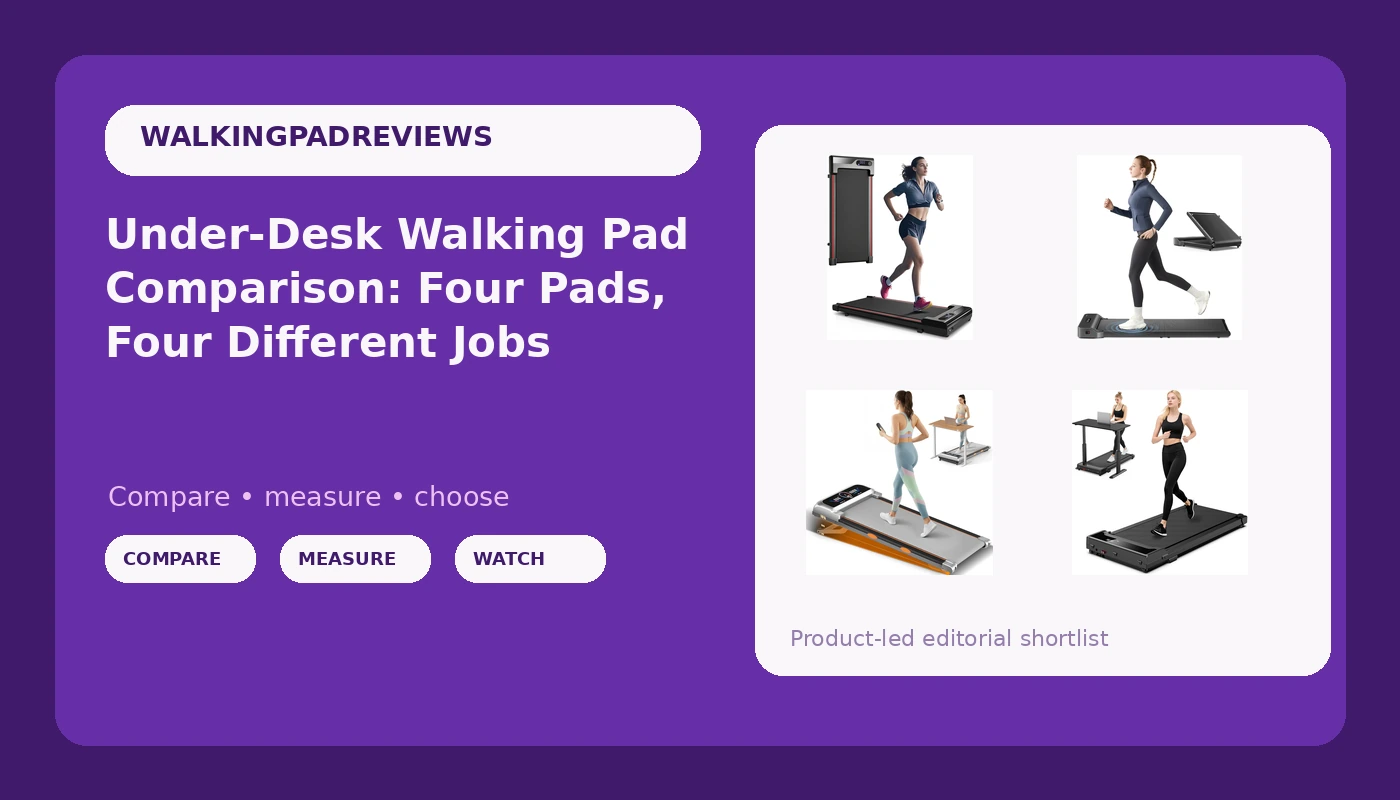
I bought my first walking pad the week after my L5 disc herniated. Nine years of backend engineering meant ten hours a day in a chair, and my physical therapist's instruction was blunt: move hourly or pay for it later. That is the lens I bring to this under desk walking pad comparison. Four pads, four different design philosophies, and one question that decides most purchases: can it hold 2 mph quietly enough that you can stay on a call while you walk?
Related: Walking Pad Noise Levels: What Decibels Actually Mean At 2 MPH
The short version: the WalkingPad Z1 is the pick if you want a folding pad from the brand that defined this category, the slim pad with the 0.6 to 4.0 MPH range is the pick if you want the widest speed range at the lowest tier, the Rayspace is the pick if you want an incline and a screen, and the mini compact pad is the pick if your only real constraint is floor space.
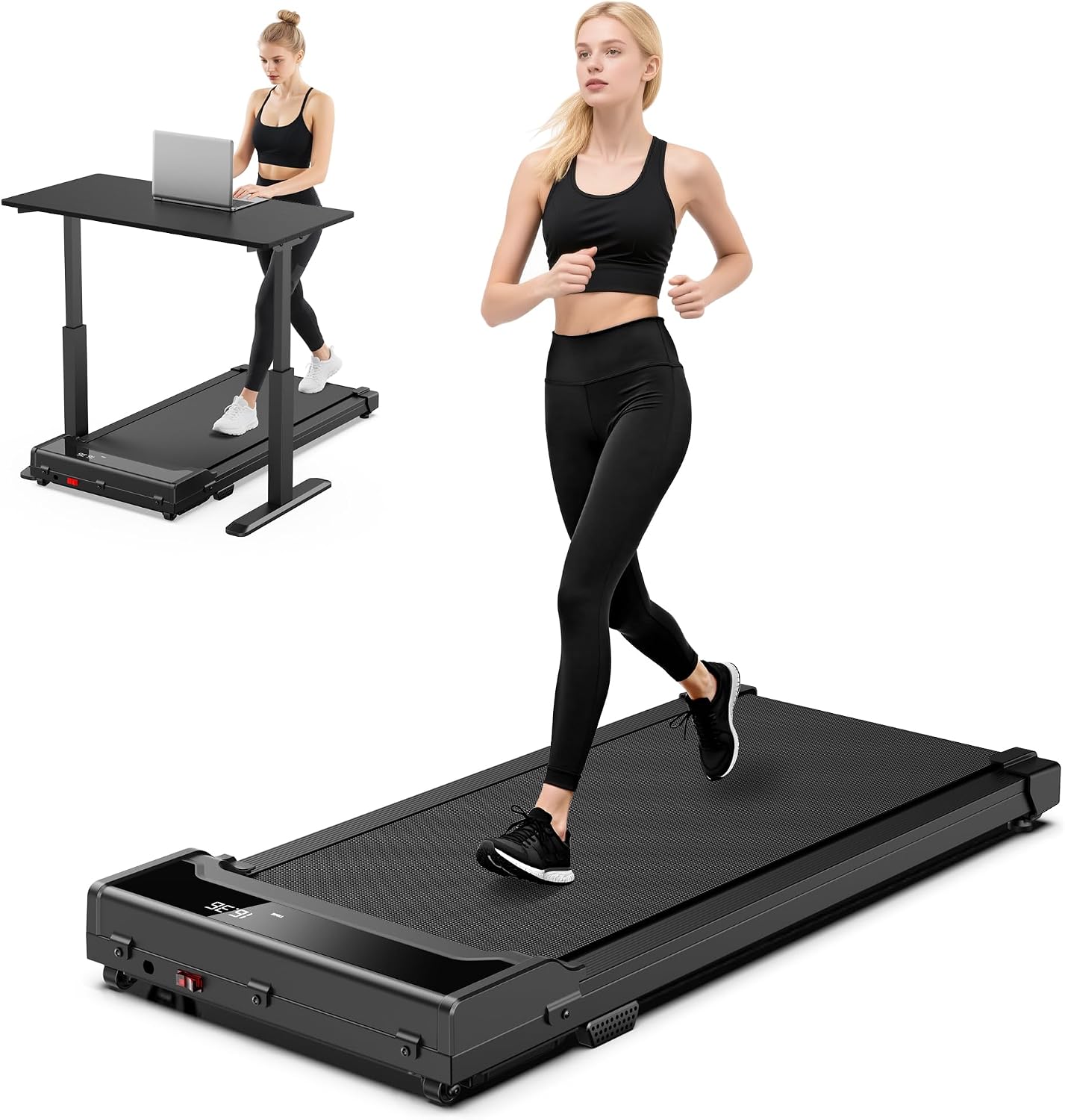
Walking Pad Treadmill for Home, 0.6 to 4.0 MPH Slim Compact with Remote
Widest speed range in this group at 0.6 to 4.0 MPH, a 265 lb limit, and the remote that matters most under a desk
No incline, no screen, and no belt width published in the listing
Walking Pad Treadmill for Home, Mini Compact Walk Pad for Small Spaces
Marketed on portability and quiet operation, and that framing fits apartments and tight rooms
Same weight class as the other budget pad, with no incline and no screen either
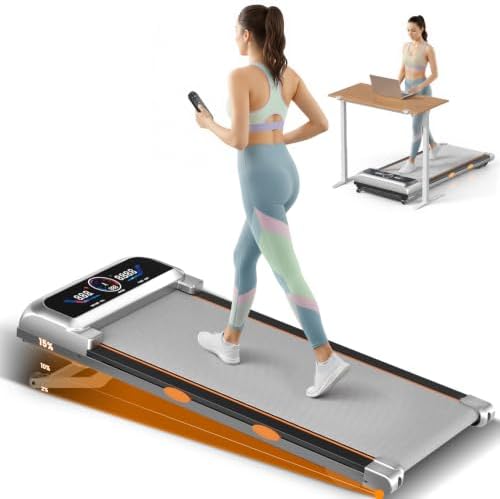
Rayspace Walking Pad with 15% 12-Level Auto Incline and UI Screen
The only pad here with a 12 level auto incline up to 15%, plus a 500 lb weight limit and a screen
The 3.5 HP figure is likely peak rather than sustained, and the speaker and RGB lighting are decoration
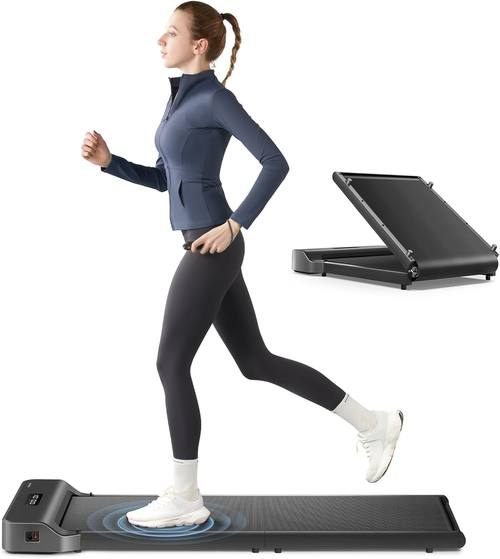
WalkingPad Z1 Foldable Walking Pad Treadmill
A folding design from the brand that made this category legible, with a support history behind it
No incline, no screen, no speaker, and a brand premium baked into the price
Prices and availability were captured from Amazon Creators API and may change.
How I judge a walking pad
I do not have a lab. I have a tape measure, a decibel meter, a step counter, and a herniated L5 disc that reminds me when I sit too long. My criteria are boring on purpose: belt width in inches, deck height off the floor, noise measured at ear height while walking at 2 mph, how many times a day the remote works without being aimed, and what the warranty says about the motor. A pad quoted at 45 dB at rest is not a 45 dB pad at walking speed, and that gap is the difference between a Zoom call and a muted microphone. Spec sheets are a starting point. The walk test is the verdict.
The budget tier: two pads that read alike and are not
The two lower-priced pads in this group have almost the same name and almost nothing else in common. The slim pad lists an adjustable 0.6 to 4.0 MPH range, a 265 lb weight limit, and a remote. That speed range is the widest here, and the low end matters more than the high end: 0.6 mph is slow enough to type while you walk, which is the entire point of a pad under a desk. The top of the range is a fast walk, not a run, and I would not run on any pad without handrails. If your weight is under 265 lb and you want the widest speed range in this group, this is the one to open first: Visit on Amazon →.
The mini compact pad sells portability instead of speed range: mini, compact, lightweight, quiet, built for small spaces, apartments, and floors. If your constraint is a gap between a bed and a wall, that is the listing to read closely, because a pad that does not fit under the furniture it is meant to slide under ends up in a closet by February. The listing does not promise incline or a screen, and neither does the slim pad. Visit on Amazon →.
The Rayspace pad: incline is the feature that earns its space
The Rayspace is the only pad in this group with a 12 level auto incline at up to 15%, plus a UI screen, a Bluetooth speaker, RGB lighting, a remote, and a 500 lb weight limit. Of that list, the incline is the part that changes your body. A 15% grade at 2 mph is a genuine climb, and it recruits calves and glutes in a way flat walking never does. If your goal is NEAT, the incline is worth more than every light on the deck.
The 3.5 HP claim needs a caveat. Peak horsepower and sustained horsepower are different numbers, and folding pads quote the flattering one. At walking speeds the motor is not the bottleneck, so treat 3.5 HP as marketing and look instead at whether the listing shows a control board and a warranty. The speaker and the RGB lighting are the features that sell pads and rarely get used. I have never used a pad speaker for anything except a test. Visit on Amazon →.
The 500 lb rating is a real advantage if the 265 lb budget pad rules you out, and a heavier frame usually arrives in a heavier box. Check the listed weight before you plan to stand it against a wall every night.
The WalkingPad Z1: paying for a name that has been here a while
WalkingPad is the brand that made this category legible to people who had never heard the phrase under desk treadmill, and the Z1 is the compact folding model in that line. What you get is a folding footprint, an under desk design, and a company with a track record. What you do not get, at least from the listing, is incline, a screen, or a speaker.
The premium here is partly a brand premium, and I say that as someone who thinks the mid tier caught up around 2024 and nobody noticed. But a brand is not nothing. When a control board fails in month 14, the difference between a known brand and a keyword salad listing is whether anyone answers your email. Judge the Z1 on the folding design and on whether the warranty justifies the premium. Visit on Amazon →.
Noise at walking speed, not at idle
Every pad in this comparison is marketed as quiet, and quiet is the least standardized word in the category. Manufacturers measure dB at idle, standing still, with nobody on the belt. I measure at ear height while walking at 2 mph, because that is where the microphone is. In my experience a pad that reads in the high 40s at rest can read in the high 50s or low 60s under load, and a shared wall or a downstairs neighbor hears the difference. A dense mat under the pad does more for your relationship with your building than any motor spec. If you take calls while you walk, test the pad on a call before the return window closes.
The remote is the feature nobody tests
I use my remote roughly 40 times a day: speed up, speed down, pause, resume, and the auto-stop reset after I step off. All four pads here include a remote, which is good, because a pad without one is a pad you have to bend down to control. Two things to check. First, whether the remote needs line of sight, because a remote that fails when your hand is behind the desk is a remote you will stop using. Second, whether there is an app and whether that app needs an account to change speed. An account requirement for a speed button is a design failure, and you will think about it every single day.
Belt width, deck height, and cadence
A walking pad is not a treadmill, and comparing the two is how people get hurt. There are no handrails, so your cadence is your balance. Belt width matters more than deck length at walking speeds, because a narrow belt turns a relaxed walk into a tightrope walk. None of these four listings leads with belt width in inches, so measure your natural stride and check the product dimensions before you buy. Deck height matters for a different reason: a tall deck under a fixed height desk can put your elbows above the keyboard, which turns a good setup into a slouch. Low deck, wide belt, honest speed range. That is the whole checklist.
Warranty length tells you more than motor spec
Three specs I want on every listing: a stated warranty, a stated weight limit, and a stated speed range. The budget pads give you a weight limit and a speed range. The Rayspace gives you a 500 lb limit and a horsepower claim. The Z1 gives you a brand name and, presumably, a support desk behind it. The warranty is the one number that tells you what a company thinks of its own motor, and it is the number most listings bury. Read it before you compare anything else.
Do you need an adjustable desk to go with it?
Here is the opinion that costs me affiliate clicks: a walking pad without an adjustable desk is a footrest with a motor. If your desk is a fixed height, you cannot walk and type at the same time, and the pad becomes something you stand on for ten minutes and then fold away. Measure your desk height against the deck height of the pad before you buy. A working setup wants the desk at roughly elbow height while you are standing on the deck, which is higher than most fixed desks go. If you cannot raise the desk, spend the money on the desk first. The pad will still be there in six months.
Should you buy a walking pad at all?
Honest answer: most people will use a pad eleven times and store it under the bed, and I would rather say that than pretend otherwise. The people who stick with it are the ones who attach the walk to something they already do, like a daily standup, a podcast, or a fixed block of email. The people who quit are the ones who bought it as a fitness plan. A walking pad at 2 mph is NEAT, not cardio. It is a way to stop sitting, and stopping sitting is worth more than most people expect from a device this boring. If your goal is conditioning, the pad is the wrong purchase. If your goal is to stop being motionless for ten hours, it is the right one.
What I would buy, and what I would skip
Under 265 lb and want the fastest walk in this group: the slim pad with the 0.6 to 4.0 MPH range. Tight space and a need for something light: the mini compact pad. Incline, a screen, and a 500 lb limit: the Rayspace. Longest track record and a folding design you can trust: the WalkingPad Z1.
What I would skip is buying any of these to run on. The 4.0 MPH top speed on the budget pad is a fast walk, and that is how it should be used. I would also skip paying extra for a screen if you already have a phone and a stand, and skip paying for RGB lighting entirely.
What I am watching next
Two predictions from my dated list. By 2027 the $250 pad should match what $600 bought in 2023, and the cheap brands will consolidate around two or three real factories. The other one is smaller and more useful: remote batteries die first, which makes them the cheapest quality tell you have. If a remote quits in three months, the control board inside the pad was built to the same standard.