I herniated my L5 disc at 31, after nine years of backend work that kept me in a chair for ten hours a day. My physical therapist gave me a simple choice: move every hour, or pay for it later. That is how I ended up with three walking pads in a home office rebuilt around movement, a step counter on my wrist, and a spreadsheet of decibel readings I take at ear height while walking. A walking pad is a medical device with a marketing problem, and I review it like one.
These four listings sit in the same price bracket and all claim some form of incline. Two of them are the same KASSADIN model listed twice, which is the first thing a buyer deserves to know. The other two take opposite approaches: one drops the handle bar entirely, and one adds a bigger motor claim and a higher weight rating.
The best pick for most desk workers here is the KASSADIN walking pad with handles, because the handle bar decides whether you are still using the pad in month three. If you are a heavier walker, the MCRG and its 400 lb rating is the one to look at first. If your desk setup leaves no room for a handle bar, the MJWW is the only pad in this group without one, and it is also the only one that publishes an incline number.
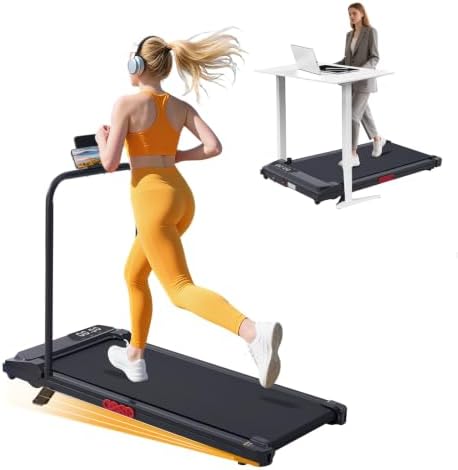
KASSADIN Walking Pad with Handles
Handle bar plus a 350 lb rating, and the 0.6 mph floor is genuinely slow enough for desk work
Sold through two identical listings, so you have to check both before buying
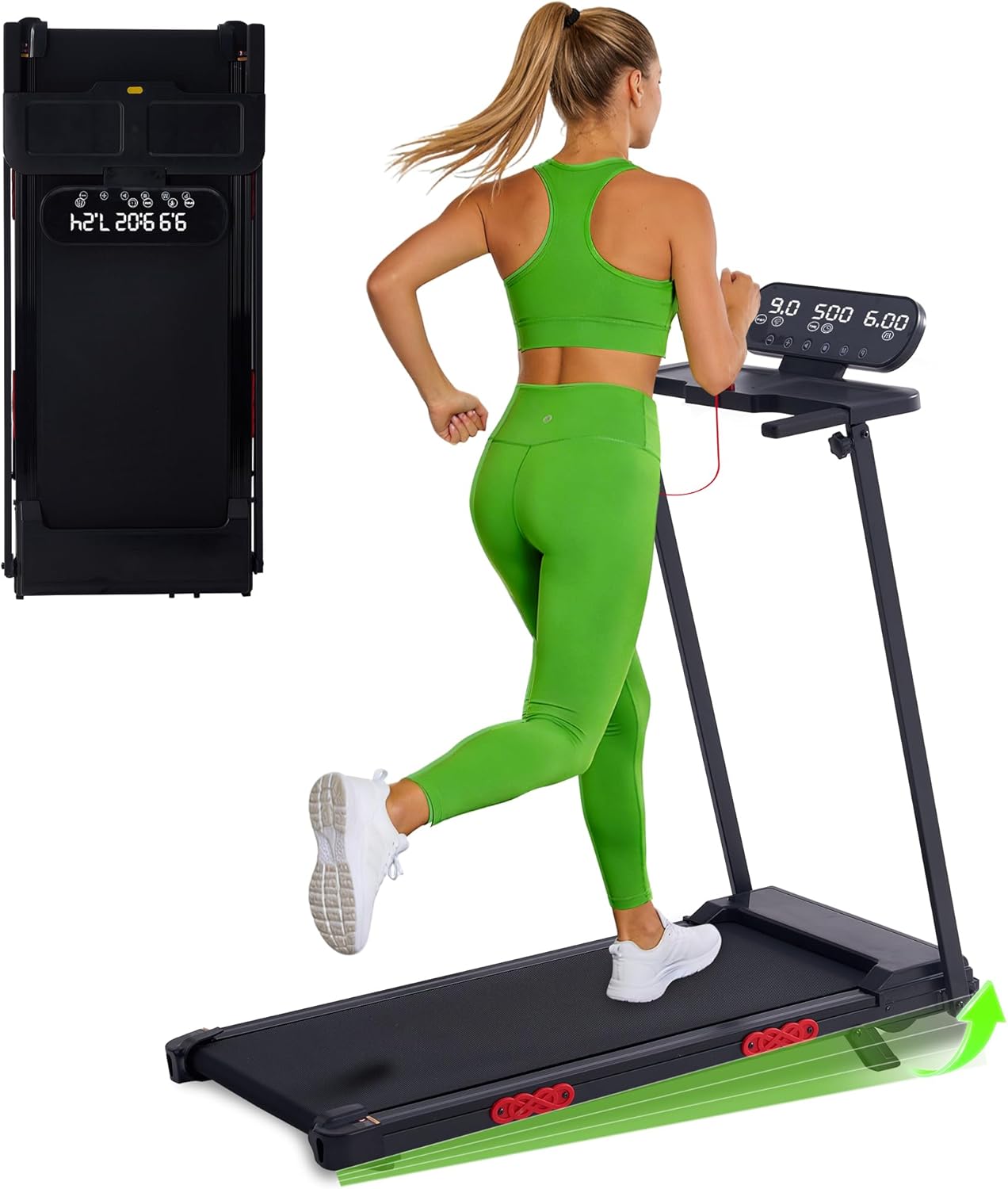
KASSADIN Walking Pad with Handles
Same spec sheet as the other KASSADIN, same 3.0HP claim and 7.6 mph ceiling
No stated advantage over its twin, so the choice comes down to the listing, not the pad
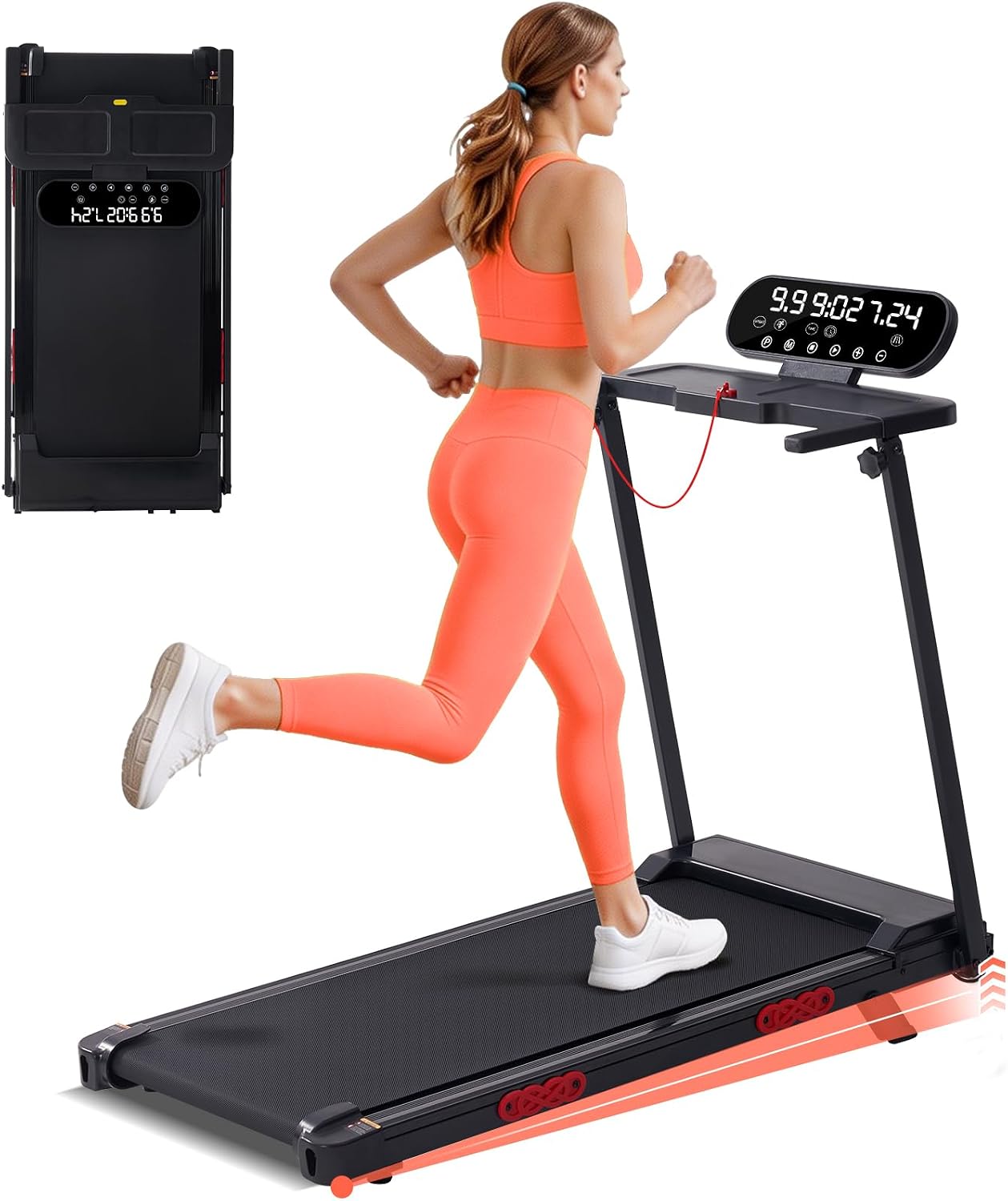
MCRG Portable Walking Pad with Handle Bar and Incline
400 lb capacity and the highest motor and speed claims in the group
10 mph on a compact belt is a number I would never use, and the incline percentage is not stated
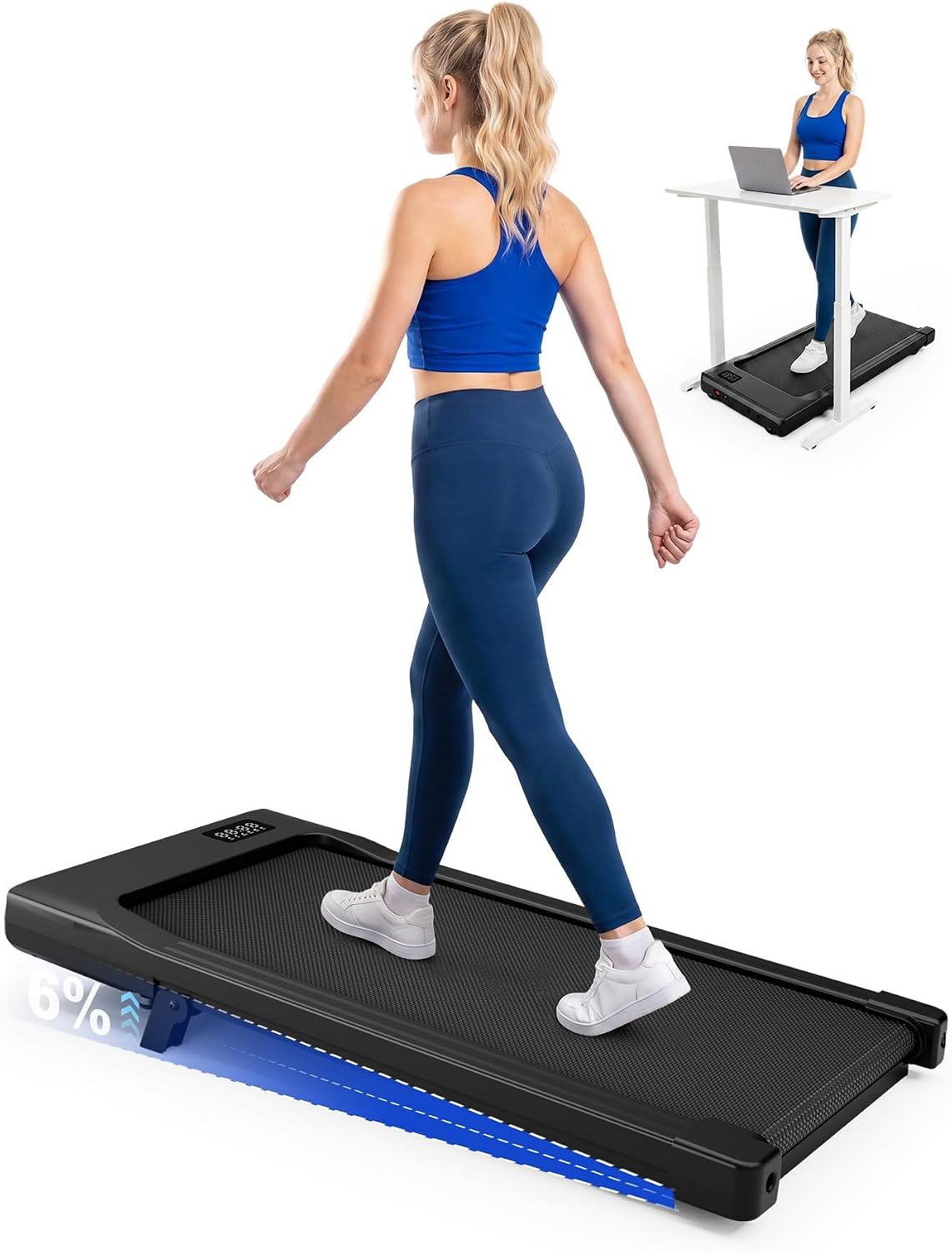
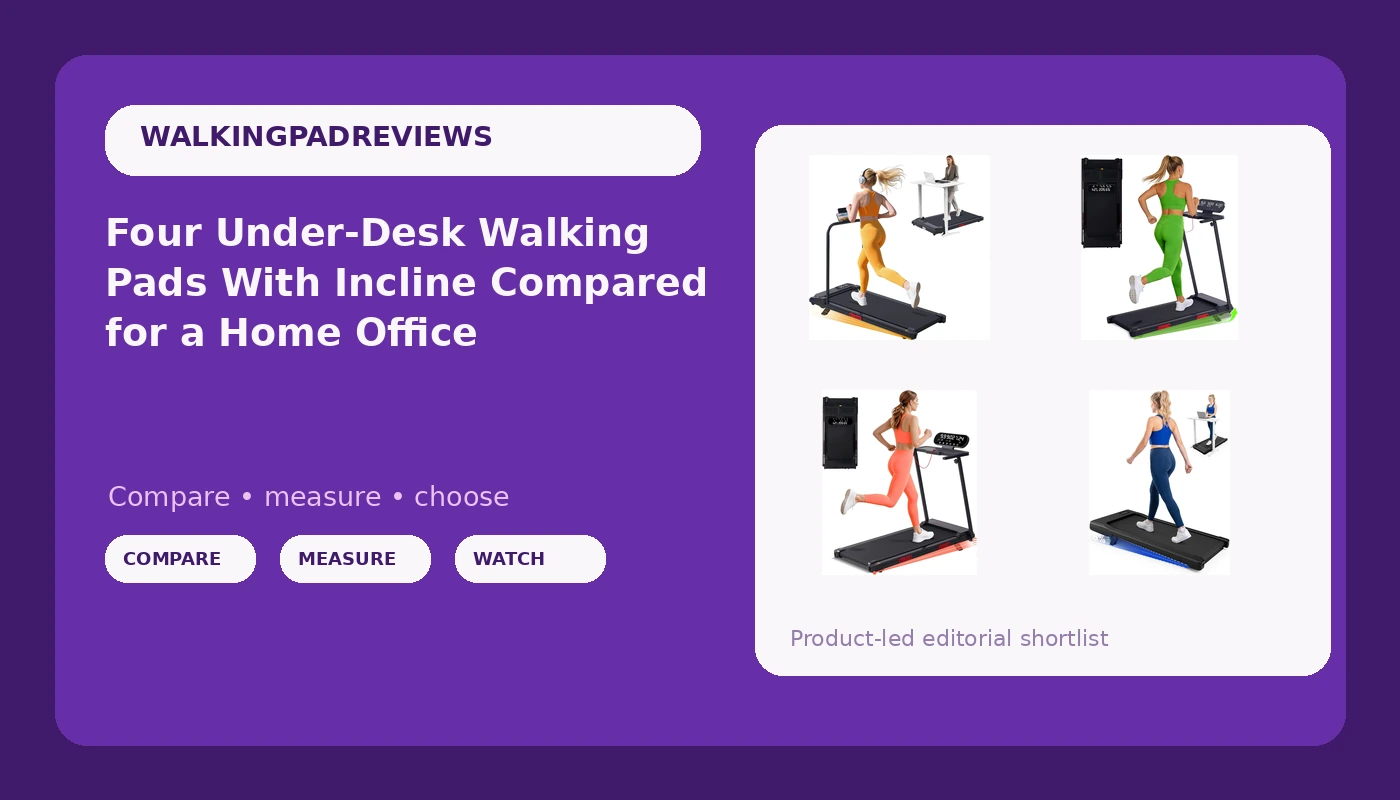
MJWW 6% Incline Walking Pad, Smart AI Under Desk Treadmill
The only pad here that names its incline number, and the only one built for a tight footprint
No handle bar, and "Smart AI" raises app questions before it answers them
Prices and availability were captured from Amazon Creators API and may change.
What these four listings actually are
The two KASSADIN entries carry the same name and the same numbers: 3.0HP, 0.6 to 7.6 mph, 350 lb capacity, handle bar, incline. Treat them as one pad sold through two listings. If you are choosing between them, you are not choosing between two machines, you are choosing a listing. Stock and shipping shift, and one listing can drift away from the other over time, so check both pages before you commit. The name also says portable, so confirm the folded dimensions if your plan is to slide it under a couch.
The MCRG is a different machine: 3.5HP, 0.6 to 10 mph, 400 lb capacity, handle bar, incline. The MJWW is the outlier. No handle bar, a stated 6% incline, and a "Smart AI" label that tells you almost nothing about how you change speed at 2 mph.
Handles are the real fork in this group
Three of these pads have a handle bar and one does not, and that single difference shapes how you use the pad more than motor size ever will.
A handle bar does three things. It gives you something to grab when you step on and off, which matters when you are standing on a moving belt in socks. It gives you a reference point so your cadence stays steady instead of drifting. And it gives you a place to steady yourself if you turn your head to answer a question on a call. If you have any balance or back history, that rail is the difference between a pad you use daily and a pad you use twice.
The MJWW removes it. That is a legitimate design choice for a small apartment or a desk where a rail would collide with a chair, and it keeps the floor plan cleaner. It also means your only safety net is the auto-stop, so the question you need answered before buying is what triggers that auto-stop and how the pad resets after it fires. On a pad without a rail, that detail is not a footnote, it is the whole product.
Incline: one number versus the word "incline"
The MJWW publishes 6%. The other three say "with incline" and stop there. A number you can compare is worth more than a word you cannot, because incline changes the work your legs do. Raising the front of the deck shifts load toward your calves and changes your foot strike, and it makes a 2 mph walk feel like noticeably more effort.
If incline is the reason you are buying, buy the pad that tells you how much. If you cannot find the percentage on the other listings, ask before you order, and ask whether the incline is fixed or adjustable. An adjustable incline is only useful if the remote can change it without you stopping and stepping off, which brings us to the controls.
Speed ceilings: 7.6 mph is already past walking
Every pad here starts at 0.6 mph. That floor matters more than the ceiling, because 0.6 to 1.0 mph is where desk walking actually lives. That is slow enough to type, slow enough to think, and slow enough to stay on for an hour without your hips complaining.
The ceilings are 7.6 mph on both KASSADIN listings and 10 mph on the MCRG. I will say this plainly: an under-desk walking pad is not a treadmill. Comparing a compact belt with a handle bar to gym equipment is how people get hurt. I do not run on walking pads, and I would not run at 10 mph on any belt this size regardless of what the motor claims. Treat that number as headroom for a brisk walk, nothing more.
Weight capacity: 350 versus 400
The MCRG rates 400 lb and the KASSADIN pads rate 350 lb. On paper that is the clearest differentiator in the group, and it matters if you are near or above the KASSADIN limit, because a pad working at the edge of its rating is a pad that moves under you.
A higher rating is not automatic proof of a stiffer frame. It is, however, the only hard number you have to compare across these listings, and a heavier rating usually comes with a heavier base. If you are a lighter walker, this row of the spec sheet should not decide anything for you.
The remote, the app, and the auto-stop
The remote is the most important feature nobody tests. You will use it far more often than you think, because desk walking means changing speed constantly: slower for a call, faster between meetings, pause when you stand up. A remote that needs a clear line of sight to the console is a remote that will fail on you the moment you put it on the desk where you actually work.
So ask three questions before buying any of these. Does the remote work without a phone? Does changing speed require an app? Does the app require an account? An app that demands a login before it will adjust speed is a design failure, and a pad whose speed lives only in an app is a pad that stops working the day the app does. The MJWW carries "Smart AI" in its name, which makes those three questions urgent rather than optional.
Auto-stop deserves the same scrutiny. Find out what triggers it, whether it can be adjusted, and how the pad behaves afterward. On a pad with handles you will probably never notice. On the MJWW, you will notice.
Which one I would buy for which desk
For a standard remote worker with a standing desk and a normal apartment, the KASSADIN with handles is the pick. The rail, the 0.6 mph floor, and the 350 lb rating cover the realistic range of desk walking, and the 7.6 mph ceiling is irrelevant in a good way. Compare the two listings and take the one that is actually in stock. Check current Amazon price on Visit on Amazon →.
For a heavier walker, the MCRG is the obvious choice. The 400 lb rating is the reason to pay attention to it, and the extra speed and motor claims come along for the ride. Just do not let the 10 mph figure pull you into running on it. Check current Amazon price on Visit on Amazon →.
For a tight setup, a low ceiling, or a desk where a rail would foul the chair, the MJWW is the one to consider. It is the smallest footprint of the group and the only one that commits to an incline figure, and if the app and the remote check out, it does the desk job. Check current Amazon price on Visit on Amazon →. The second KASSADIN listing is worth a look only as a stock and price alternative to the first: Visit on Amazon →.
The trade-offs I will not pretend away
Most people who buy a walking pad use it eleven times and then store it under the bed. That is not a knock on these four, it is the base rate for the category, and the fix is not a better motor. It is a desk that adjusts, a pad that stays out, and a habit of walking at a speed slow enough that you forget you are on it.
A handle bar pad takes more floor space and is harder to hide. That is the cost of the stability it buys you. An incline is a feature you will either use deliberately or ignore completely. And a higher weight rating is insurance, not performance.
I also want to be fair to the cheaper option. Price in this bracket predicts the sticker and the marketing budget far more than it predicts quality. The pad with the smallest number attached is not automatically the worst one here, and the pad with the biggest motor claim is not automatically the best.
How to decide in one minute
If you will walk between 1.5 and 2.5 mph during meetings, prioritize the remote and the noise, and take a handle bar. If you are near 350 lb, take the 400 lb rating. If incline is the point, buy the pad that states its incline. If floor space is the constraint, the pad without handles is the one, as long as its auto-stop and remote answer the three questions above.
That is the whole decision. Everything else in these listings is a number you will never use, and one of them is a number I would actively avoid.