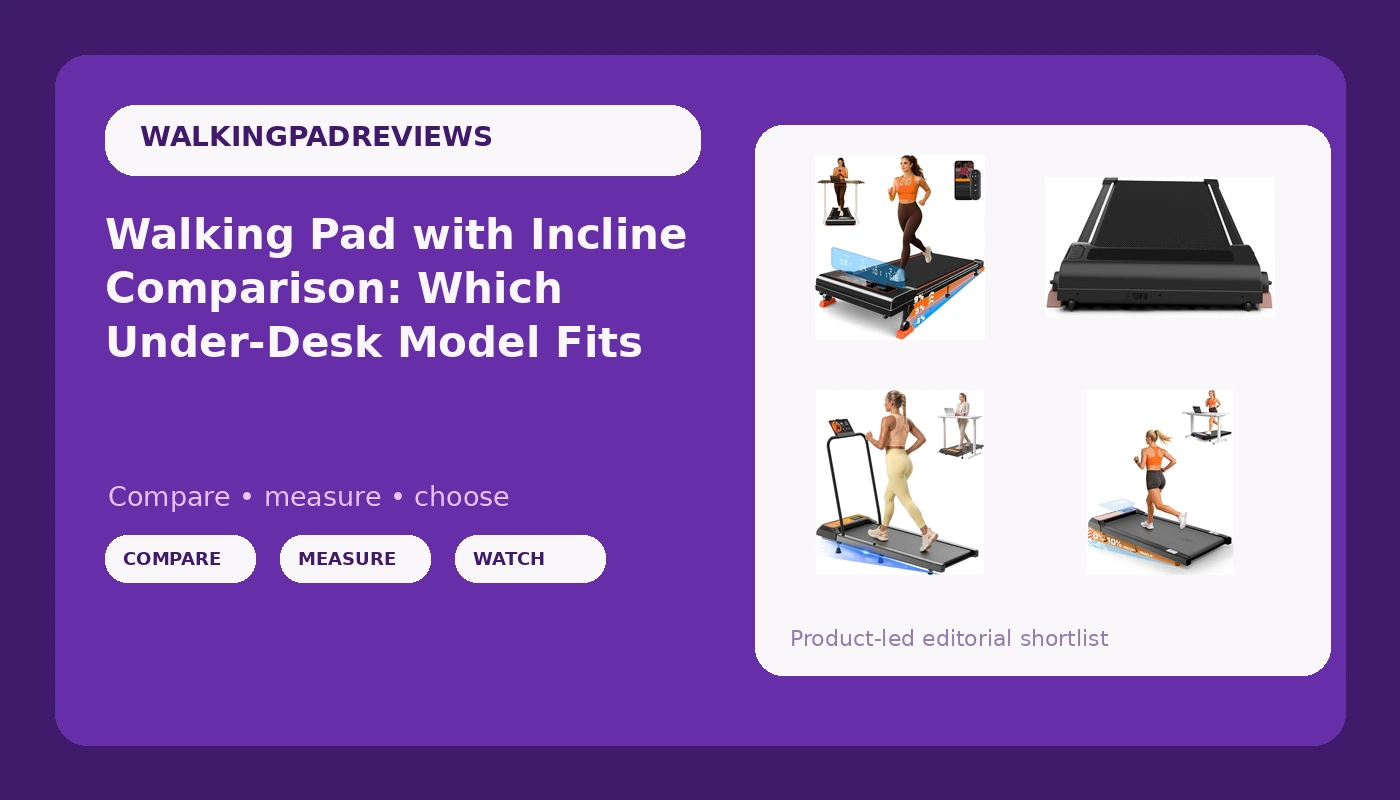
I bought my first walking pad in 2021, three months after an L5 disc herniation put me flat on my back for two weeks. I was 31, nine years into a career of sitting ten hours a day, and my physical therapist gave me one instruction I still follow: move every hour or pay for it later. Since then I have rebuilt a home office in Austin around that rule, and I have opinions about every product that promises to help. A walking pad with incline is the current version of that promise, and these four compact models are the ones readers keep asking me to sort out.
Incline on an under-desk treadmill is not a gimmick. Flat walking at 2 mph is a shuffle. A slight grade at the same speed asks more of your calves and glutes, and it puts your weight where it lands when you walk outdoors. That is the whole argument for paying attention to the grade number, and it is why I start every comparison with incline and decline, not with motor horsepower.
For most desk workers, the 10% incline model with the 265 lb capacity rating, the remote control, and the LED display is the safest all-around pick. The handlebar unit is the one to buy if you are still testing whether you will use a pad at all, and the two 9% models have to be separated by price tier before you buy, because they carry the exact same name.
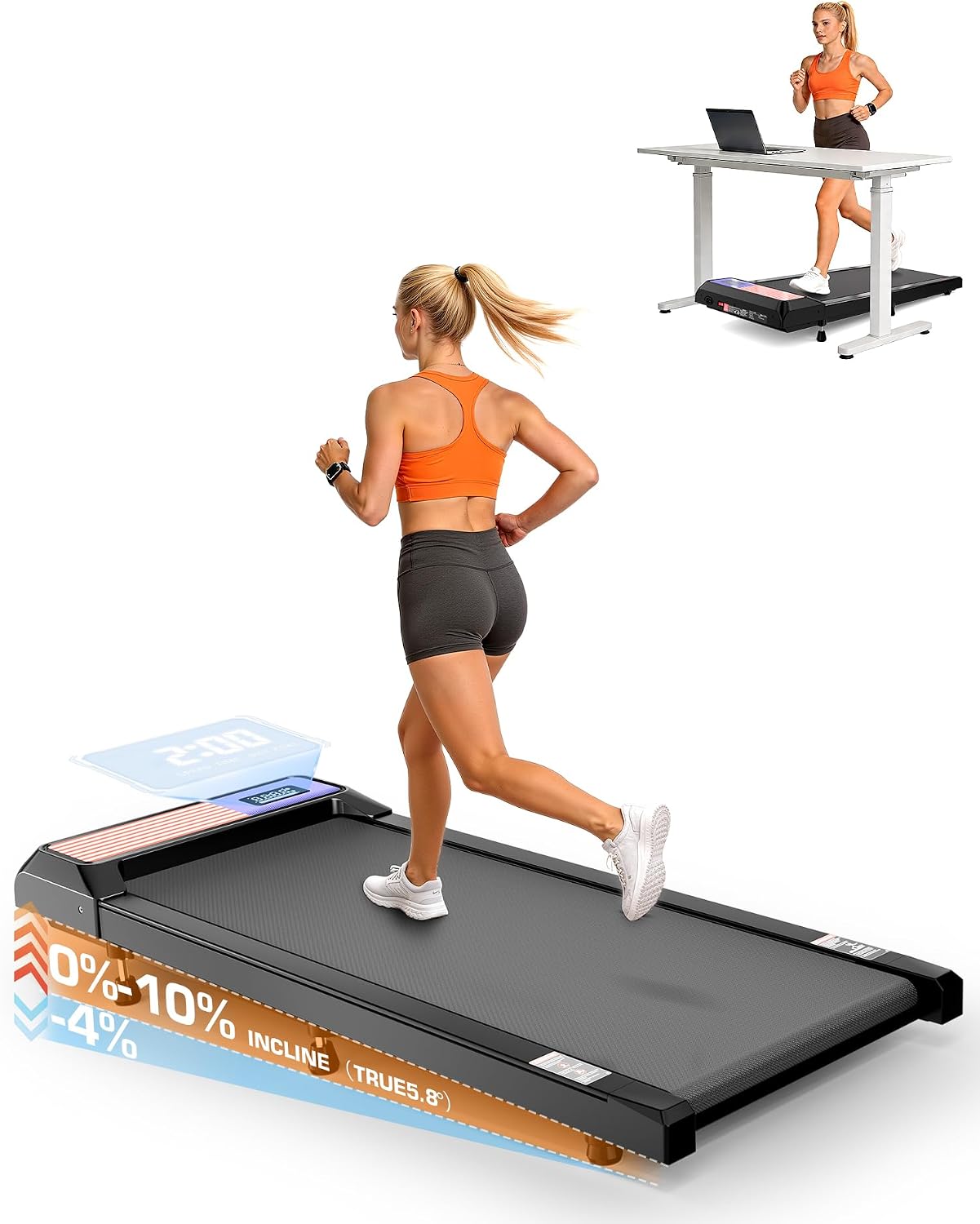
Walking Pad with Incline 10% & Decline -4%, Under Desk Treadmill for Office
Steepest published grade here, plus a stated 265 lb capacity, remote control, and LED display in one compact frame
No handlebar for balance at the steeper grade, and the published capacity ceiling will rule out heavier buyers
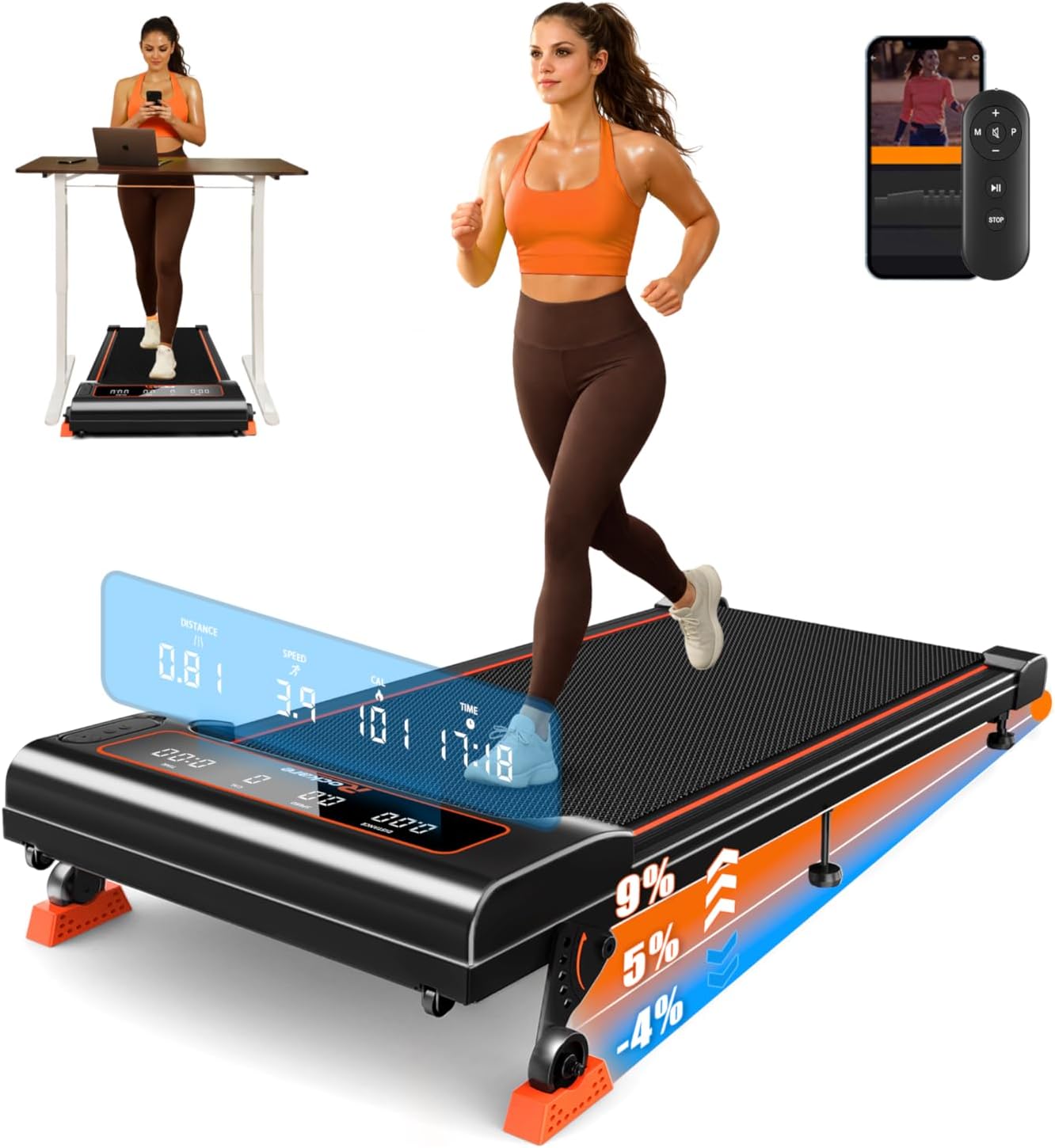
Walking Pad with Incline 9% & Decline -4% 5 Level, Under Desk Treadmill
Five discrete incline levels make repeatable settings easy, and it sits in the middle price tier of this group
Shares its name with a far more expensive twin, which makes shopping confusing, and no capacity figure is published
Walking Pad with Incline 9% & Decline -4% 5 Level, Under Desk Treadmill
Top price tier of the four, where the extra money should show up in frame rigidity, motor headroom, and belt quality
Identical published incline and decline spec to its cheaper twin, so the premium is invisible on paper
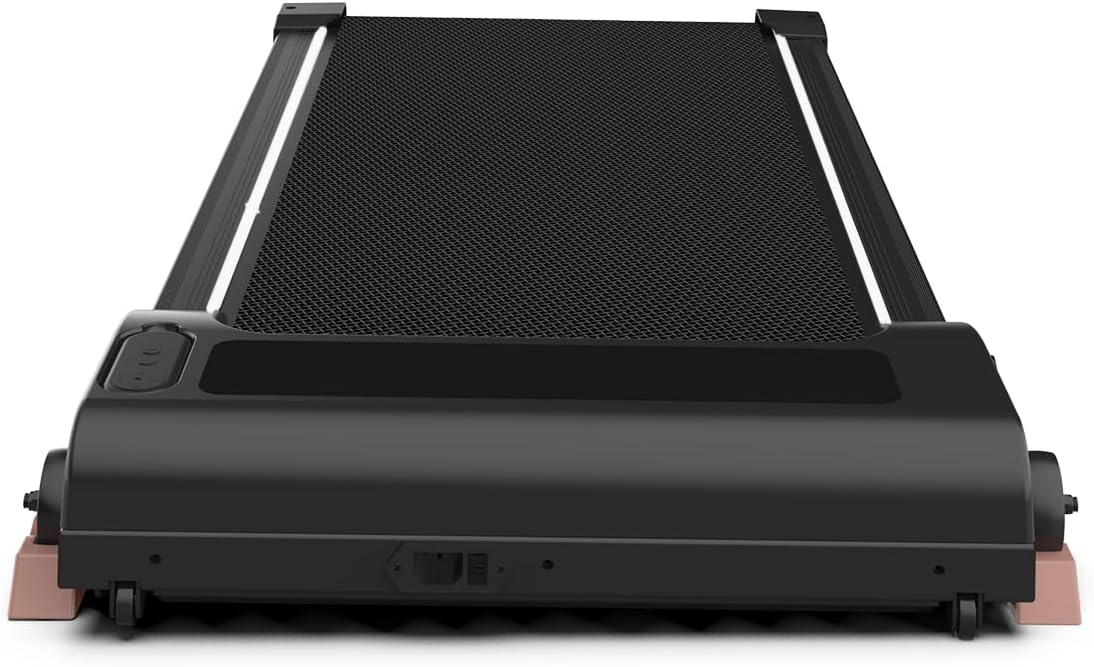
Under Desk Treadmill with Incline, Portable Walking Pad with Handlebar
Lowest price tier here, and the only one with a handlebar for balance and easier stepping on and off
No published incline figure or level count, so the grade is a black box next to the 9% and 10% models
Prices and availability were captured from Amazon Creators API and may change.
How I compare pads like these
I do not review an under-desk treadmill the way I would review gym equipment. Different speeds, different safety profile, different failure modes. So the order of inspection is fixed.
First, the published incline and decline range, and whether the levels are discrete or continuous. Second, belt width and deck height, because those decide whether barefoot walking feels stable. Third, the remote, specifically whether it needs line of sight to the pad. Fourth, auto-stop behavior when you step off. Fifth, warranty length, because a company that trusts its motor backs it for years, not months.
Motor horsepower is last. Most pads in this price band run the same class of motor with a different sticker on the housing. The frame, the belt, and the remote are where quality actually shows up.
What a 9% grade and a 10% grade mean at walking speed
At 2 to 3 mph, the difference between a 9% and a 10% grade is a matter of a fraction of a degree, and almost nobody will feel it. What matters more is that all three incline-focused models here also publish a -4% decline, which lets you shift load onto the front of your feet and change up the muscle demand without touching the speed.
The 10% model lists 5 incline capability in its own words plus a -4% decline, a 265 lb capacity, a remote control, and an LED display. That is the most complete spec sheet of the four. You can Visit on Amazon → to see the current listing details.
The two 9% models publish a five-level incline and the same -4% decline. Five discrete levels is genuinely useful, because "level 3" is repeatable across sessions in a way that a vague slider is not. If you track your walks at all, that matters.
The handlebar model is the outlier. Its name promises incline but does not state a percentage or a level count. That is not automatically bad, but it means you are buying a grade you cannot verify from the listing. For a first pad, that is an acceptable trade. For someone who has already decided incline is the point, it is a reason to look at the other three.
The two models with the same name
This is the part of this comparison that will cost you money if you skim it.
Two of these products, the 9% incline model with five levels, carry identical names from the same manufacturer. One sits in the middle price tier of this group. The other sits at the top, several times higher. On a search results page, they look like the same product.
They are not the same product. What you are paying for in the top-tier version is not a better published incline spec, because the spec is the same. You are paying for what the spec sheet does not show: frame rigidity, belt construction, motor headroom, and likely a longer service life. Whether that is worth the premium depends entirely on how many hours a day you plan to stand on it. Someone walking 45 minutes a day will never notice the difference. Someone doing three hours of split shifts at a standing desk probably will.
Before you add either one to a cart, confirm which tier you are looking at. Visit on Amazon → for the top-tier version, and Visit on Amazon → for the mid-tier one, and compare the seller and the listing details side by side.
The handlebar question
The cheapest model here is the only one with a handlebar, and I want to be fair to it, because handlebars get dismissed as training wheels.
They are not. A handlebar gives you something to grab when you step on at an incline, when you lose concentration mid-call, or when you are walking barefoot and your foot lands somewhere unexpected. For anyone with balance concerns, or anyone recovering from an injury, that is a safety feature, not a crutch.
The costs are real too. A handlebar eats desk space, and on a narrow standing desk it can collide with a keyboard tray or your chair when you swing it into position. It also usually means a bulkier footprint when folded, which matters if the pad lives under a bed between uses.
If you are buying your first pad and you are not certain you will keep using it, the handlebar version is the low-risk entry point. You can Visit on Amazon → to check the current configuration.
Noise, remotes, and the specs nobody prints
Manufacturers quote decibel ratings at idle, with nobody on the belt. That number is close to meaningless. The noise you care about happens at 2 mph with a 170 lb human walking on it, measured at ear height, and almost no listing publishes that.
Since I cannot give you a verified figure for these specific units, here is what to do instead. Buy from a seller with a return window, walk on it for a full workday, and record a voice memo while walking to hear what your call participants will hear. That single test tells you more than any spec sheet.
The remote is the other under-tested feature, and it is the one I touch 40 times a day. A remote that needs line of sight to the pad is a remote that will fail you the moment it slides under a notebook. The 10% incline model explicitly lists a remote control and an LED display, which at least tells you the controls exist on the unit itself as a backup. If a pad requires an account and a phone app just to change speed, that is a design failure, and I will say so in any review I write.
Belt width, deck height, and barefoot walking
Belt width is the spec that decides whether you can walk barefoot comfortably, and it is the spec most buyers ignore. A narrow belt forces your feet into a single track, which is fine in shoes and unpleasant in socks. If you plan to walk barefoot, prioritize width over incline.
Deck height matters for a different reason. A lower deck is easier to step onto and less likely to make your desk feel cramped underneath. Compact frames like the ones in this group are built for small spaces, which usually means a lower deck and a shorter belt. Shorter belts reward a shorter, more deliberate stride. If you have a long natural stride, a compact pad will feel like it is hurrying you.
Auto-stop and warranty
Auto-stop is the safety feature that stops the belt when you step off. Test it deliberately the first week. Step off, watch how long the belt takes to halt, and confirm the behavior matches what the listing claims. This is the feature that separates a medical device with a marketing problem from a toy.
Warranty is the other signal. A longer warranty on the motor tells you the manufacturer expects it to survive daily use. When you compare these four, read the warranty terms, not the motor wattage. Wattage is a number picked for the listing page. Warranty length is a number picked by the legal department after the failure data came in.
Who should buy which
If you want the most complete spec sheet and you are under the published 265 lb capacity, the 10% incline model with the remote and LED display is the one I would start with. It covers incline, decline, capacity, and controls in one listing.
If you are unsure whether you will actually use a pad, buy the handlebar model. The handlebar makes the first two weeks safer and easier, and if the pad ends up under the bed after 11 uses, you spent the least money finding that out.
If you already know you will walk daily for an hour or more, the two 9% models are your decision, and it comes down to tier. The mid-tier version is the value pick. The top-tier version is the one to buy if you have been burned by a cheap frame that wobbled at 2.5 mph and you are done with that experience.
What I am watching next
The pattern in this category is predictable. By 2027, the price of a mid-tier pad will buy what a premium pad buys today, and the cheap brands will consolidate around two or three real factories. The tell will not be the motor spec. It will be the remote battery, which dies first on almost every pad I have owned, and the warranty terms, which quietly shorten when a brand starts competing on price alone.
The other shift worth watching: this category is splitting into medical-grade and toy-grade pricing. The pads that publish capacity, incline, decline, and warranty clearly are heading one direction. The pads that publish a percentage in the title and nothing else are heading the other.
Until then, the rule I use is simple. Pick the grade you will actually use, buy the remote you will actually press, and confirm the warranty before the return window closes. The belt will tell you the rest.