Most under-desk walking pads die in the closet, not on the belt. The buyer unboxes it on a Tuesday, walks twelve minutes, gets bored or gets a sore hip, folds it up, and it becomes an expensive place to stack mail. I know because I did exactly that with my first one.
The difference between the pad that sticks and the pad that gets stored is almost never the motor. It is the setup: the desk height, the floor surface, the speed you start at, and whether your remote works without you aiming it like a TV clicker. Get those four things right and an under desk walking pad turns a ten-hour sitting day into something your spine can survive. Get them wrong and no motor spec will save you.
I'm Nina. I'm 34, I work from a home office in Austin, and I rebuilt my workspace around movement after an L5 disc herniation at 31. My physical therapist gave me one instruction that mattered: move every hour or pay for it later. This is how I actually set up a pad so the hourly movement happens.
Why you should trust me
I've been walking at a desk since 2022, I own three walking pads, and I keep a spreadsheet of decibel readings taken at ear height while the belt is moving, because manufacturer numbers are quoted at idle and idle is not when you take a Zoom call. I am not a physical therapist and I don't play one here. I'm a former backend engineer who sat for ten hours a day for nine years and now measures the gear that's supposed to fix that.
What I won't do: tell you a pad cures back pain, or recommend running on one. Under-desk treadmills are not treadmills. Comparing them to gym equipment is how people get hurt.
How I picked and how I tested
The two pads below are the ones I'd put under a desk in this price band, and the reason is boring. Frame, belt, and remote. Most pads share the same 1.25 HP class motor and a different sticker on the side. Peak versus sustained horsepower is marketing, and the motor is rarely what fails first. What fails first is the remote battery, the control board, or your patience.
For this piece I looked at how each pad fits an actual workday: does it start at a speed low enough to type at, does the deck sit low enough that a normal desk still puts your elbows at 90 degrees, does it stay stable at the speed you'll actually use, and can you stop it without looking down. I did not run a marathon on either one, and I'm not going to pretend an unboxing is a long-term test.
If you want a pad for running, close this tab. Different machine, different safety profile.
The gear to buy before you start
You cannot set up a pad correctly in a room with no adjustable desk. A pad adds deck height under your feet, which means your desk has to come down lower than it does when you're standing on the floor. If your desk is fixed height, you'll end up leaning forward with rounded shoulders, and you'll quit in two weeks. Pair the pad with a desk that adjusts, or don't buy the pad.
Two pads make sense for this setup, and they make sense for different people.
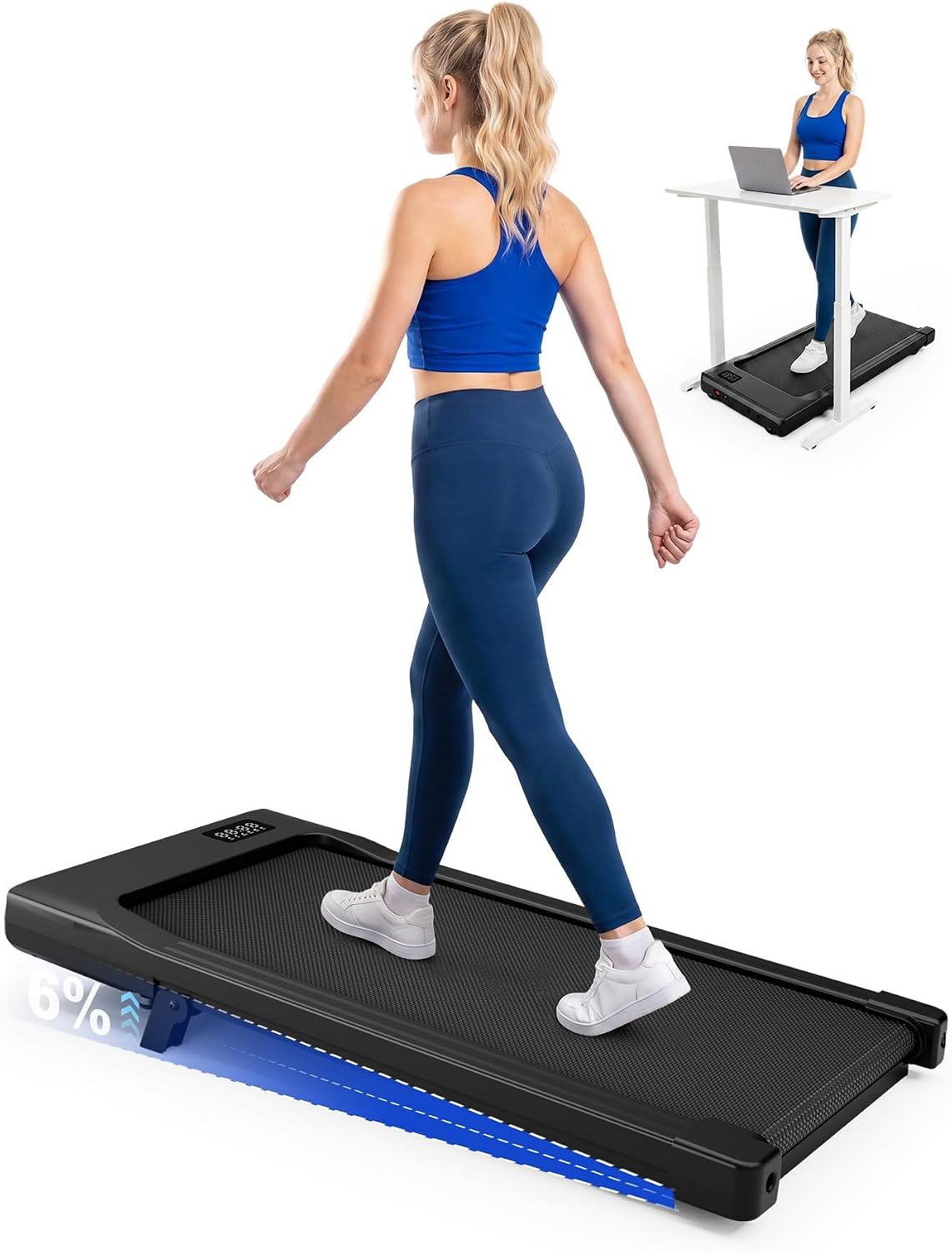
Budget pick: MJWW 6% Incline Walking Pad, Smart AI Under Desk Treadmill for Home
 Visit on Amazon →
The fixed incline is the whole story here. Walking on a slight grade changes which muscles do the work and keeps your calves and ankles involved instead of letting your feet slide along flat, which is what makes long flat walking feel like standing on a moving sidewalk. The tradeoff is that you can't flatten it. If you want a dead-level deck on the days your back is angry, this isn't that pad, so decide before you order whether you want the grade permanently.
This is the one I'd hand to someone buying their first pad who doesn't yet know whether they'll stick with it. It sits in the entry tier, where the money goes to the frame and the belt instead of a badge.
Flaws but not dealbreakers: Verify the belt width against your natural stride before you commit, and measure the deck height against your desk's lowest setting. Smart features are a bonus, not a reason to buy. If an app demands an account before it will change your speed, use the remote and ignore the app.
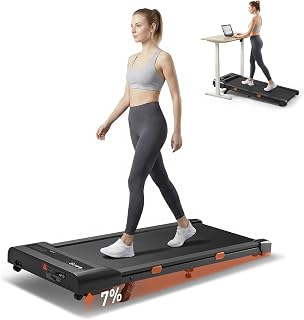
Upgrade pick: Cybergoing T10 Walking Pad Treadmill Powered By Bosch®, Under Desk
 Visit on Amazon →
The Bosch name on the drivetrain is why this one sits a tier above the MJWW, and why it's the pick if you plan to walk four or five days a week instead of twice a month. A branded motor assembly is a claim about the part you can't see, and that part decides whether the belt still tracks straight in year three. It's also the part that decides how the deck sounds under load at walking speed, which is when noise actually matters for calls.
If you're on video most of the day and you need the pad to disappear into the background, shop this tier. The rest of the decision is identical: belt width, deck height, remote.
Flaws but not dealbreakers: You're paying for the drivetrain, not the frame finish, so don't expect it to feel like a two-thousand-dollar machine. Confirm the warranty length in writing before you buy. Warranty length tells you more about a motor than any spec sheet, and a company that trusts its drivetrain backs it for years, not months.
The setup workflow, step by step
Now the part you came for. This takes about thirty minutes and you only do it once.
Step one: Measure your desk, not your pad. Stand at your desk without the pad and set the height so your elbows sit at roughly 90 degrees and your forearms are parallel to the floor. Write that number down. Then put the pad down and lower the desk by however much the deck added. If your desk bottoms out before your elbows are right, you need a riser or a different desk, and no pad will fix it.
Step two: Pick the floor. Hard floor or low-pile carpet, and nothing that slides. A thick high-pile rug under a pad is how you get a belt that wanders and a frame that rocks. If your floor is hardwood and you care about it, put a thin mat under the pad and check that the mat doesn't creep while you walk.
Step three: Position the deck, not yourself. Center the pad under your desk so your stride lands in the middle of the belt, not at the front edge. Push your chair all the way out of the walk zone, and keep the stop control within arm's reach without bending. If you have to look down to stop it, you set it up wrong.
Step four: Learn the remote before your first walk. Put a fresh battery in, pair it, and test it from the position you'll actually be standing in, including with the desk between you and the pad. This is where cheap pads fail. A remote that needs direct line of sight is the single most annoying flaw in this category, and you find out on day one, not from the listing.
Step five: Start slower than you think. For the first week, walk at a speed that feels almost too easy. You should be able to type a sentence without your hands bouncing. If your typing accuracy drops, you're going too fast. Speed is the last thing you add, not the first.
Step six: Fix your cadence before you add minutes. Short steps, feet landing under your hips instead of out in front, eyes forward at the screen and not down at the belt. Overstriding is what makes shins and hips hurt, and it's the reason a lot of pads get folded up. If you can't hold short steps at your chosen speed, lower the speed.
Step seven: Build the schedule around your meetings, not your motivation. I walk during calls where I'm mostly listening and during email blocks. I don't walk during deep work that needs full attention, because I've tried and the work gets worse. Twenty to thirty minutes at a time, several times a day, adds up to real NEAT without turning your job into a workout.
Step eight: Shut it down properly. Stop the belt, step off, wipe the belt down, and unplug if you're done for the day. Check belt tension and tracking once a month, and check the remote battery monthly. A remote dying quietly is the most common reason a working pad looks broken.
What doesn't matter, and what will actually hurt you
The dB number on the box doesn't matter. It's measured at idle, in a room that isn't your room, and it tells you nothing about what the pad sounds like at walking speed with your weight on it. What matters is whether the deck stays stable and reasonably quiet at the speed you use for calls, which is something you evaluate on day one and return the unit over if it fails.
Peak horsepower doesn't matter much either. Neither does top speed, since you're not going to use it. Nobody needs a pad that does six miles an hour under a desk.
What does matter: belt width against your stride, deck height against your desk, an auto-stop you trust, a remote that works from where you stand, and a warranty long enough that the company is betting on its own drivetrain.
The thing that will hurt you is running. These are walking machines. If you want to run indoors, that's a treadmill with a different belt, a different frame, and a different safety profile. Also skip the "walking meeting" fantasy where you're on camera at 3 mph gesturing for an hour. Walk slowly, walk often, and don't try to turn a workday into cardio.
What this costs and whether it's worth it
Both pads here sit in the entry and mid tiers, and the honest math isn't the sticker. It's the sticker divided by the number of days you actually walk. A pad you use 200 times is cheap per session. A pad you use 11 times is a very expensive footrest, and that's the real risk in this category, not the motor.
Check current Amazon price on each before you decide, and compare them on the four things that determine whether the thing survives: belt width, deck height, remote reliability, and warranty. If you already have an adjustable desk, the pad is the last piece. If you don't, buy the desk first. Your back won't notice the difference between a good pad and a great pad, but it will absolutely notice the difference between walking and sitting for another year.
That's the whole setup. Thirty minutes of measuring, a week of walking slower than you want to, and a remote with a fresh battery. Everything else is marketing.