A walking pad with incline is the one upgrade that changes how an under desk treadmill feels underfoot. At the same 2 mph, a raised deck asks more of your calves and glutes, shortens your natural stride, and makes you pay attention to where your feet land. That is the point. It is also why incline pads are harder to buy well than flat ones: the deck, the frame, and the control you use to change the angle all matter more once the belt is tilted.
Most people shopping in this category are not athletes. They sit eight to ten hours a day, their lower backs have started keeping score, and they want to add non-exercise activity thermogenesis to a workday that currently has none. The pad has to survive being stepped on barefoot, rolled under a desk, and switched on and off dozens of times a day. This guide compares six incline walking pads and under desk treadmills from the current listings, focused on the differences a buyer can verify before ordering: how the incline is controlled, whether the model includes a handlebar or handle bar, whether it folds, what drive and weight capacity are stated, and how you change speed when you are mid-sentence on a call.
Related: Walking Pad Noise at Walking Speed: Why Idle Decibel Ratings Mislead Buyers
Quick answer
The Walking Pad with Incline, FOUSAE 6.2MPH Walking Pad Under Desk Treadmill with 10% Incline, Full Screen LED Display, 2.75HP Brushless Drive, 12 HIIT Programs, Remote Control, 350 LBS Capacity is the strongest fit for a desk worker who wants an incline and a physical remote control rather than an app, because it pairs a 10 percent incline with a full screen LED display, 12 built-in HIIT programs, a 2.75HP brushless drive, and a stated 350 LBS capacity. Choose the JELENS Treadmill for Home with 0-15% Auto Incline, Foldable Walking Pad Treadmill with 330LBS Weight Capacity and Pulse Sensors, 3.0HP Quiet Walking Pad with App and LCD Display (Black) instead when you want the incline to adjust automatically across a wider range, plus pulse sensors and app control.
Walking pads with incline worth comparing
Six listings, sorted by how they are built and controlled rather than by the loudest number on the box.
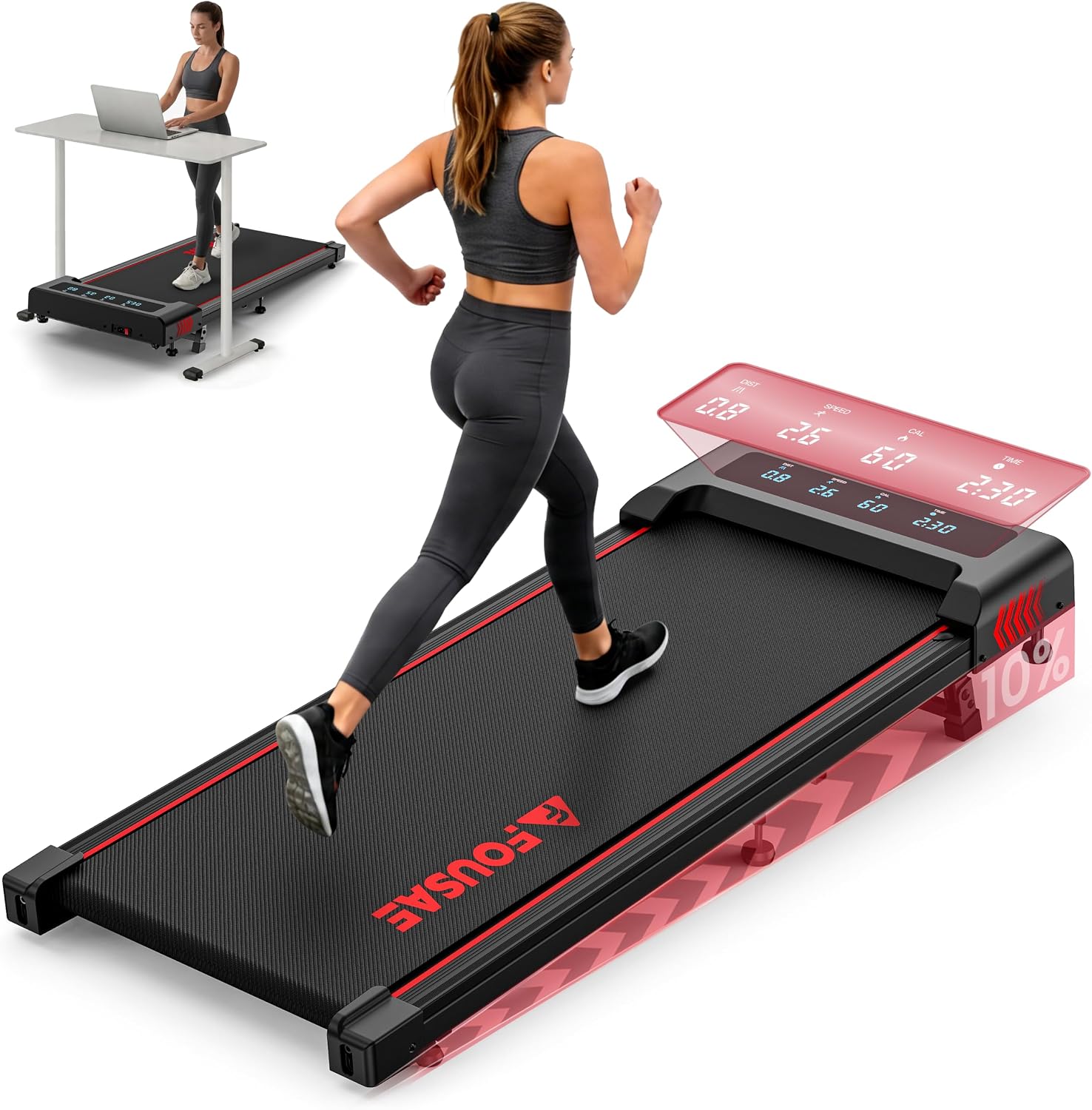
Walking Pad with Incline, FOUSAE 6.2MPH Walking Pad Under Desk Treadmill with 10% Incline, Full Screen LED Display, 2.75HP Brushless Drive, 12 HIIT Programs, Remote Control, 350 LBS Capacity
A walking pad with a stated 10 percent incline, a 6.2MPH top speed, a full screen LED display, a 2.75HP brushless drive, 12 HIIT programs, a remote control, and a stated 350 LBS capacity.
Visit on Amazon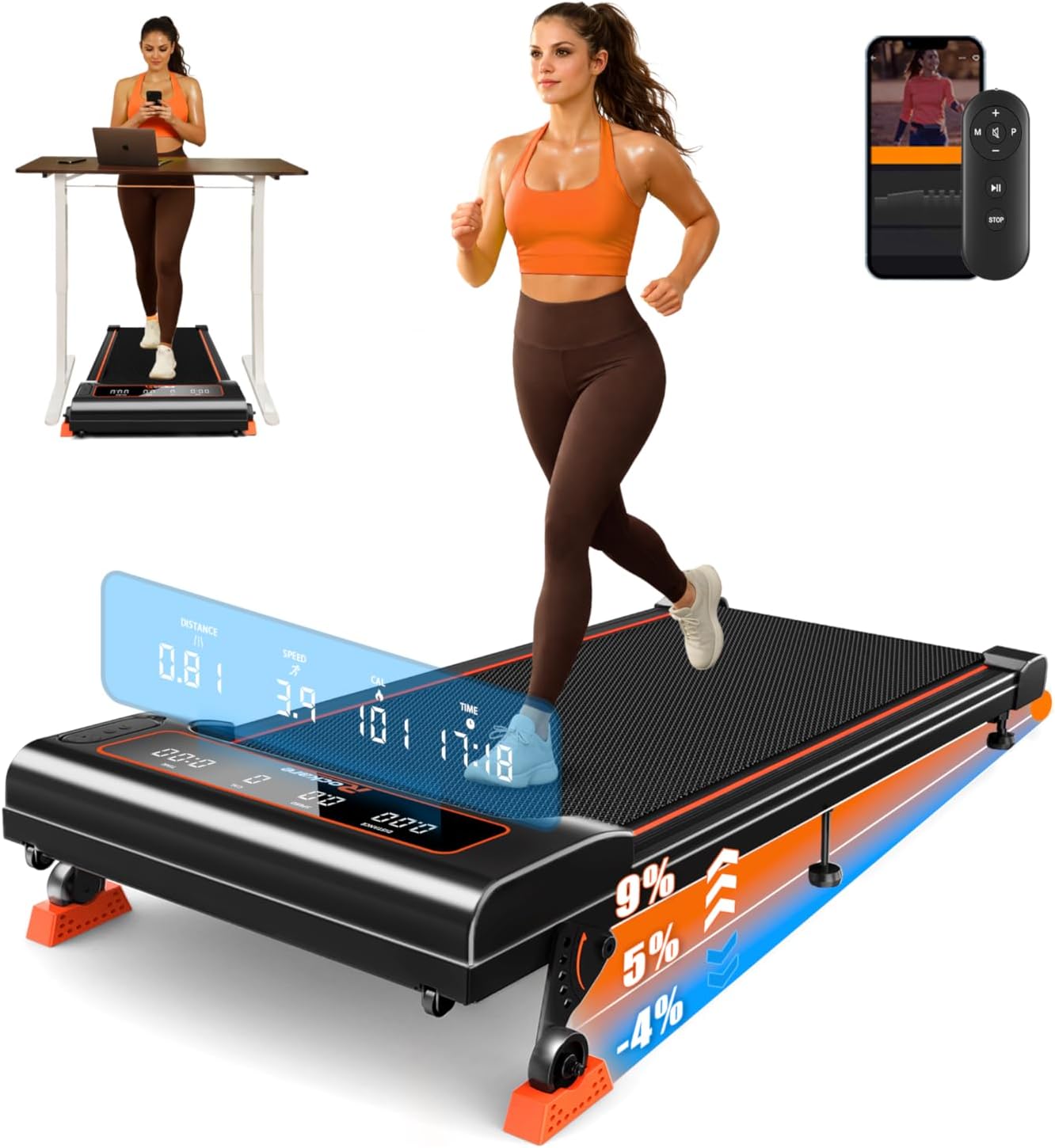
Walking Pad with Incline 9% & Decline -4% 5 Level, Under Desk Treadmill
Check current Amazon price
An under desk walking pad with five selectable levels covering a stated 9 percent incline and a 4 percent decline, so the deck can tilt in both directions.
Visit on Amazon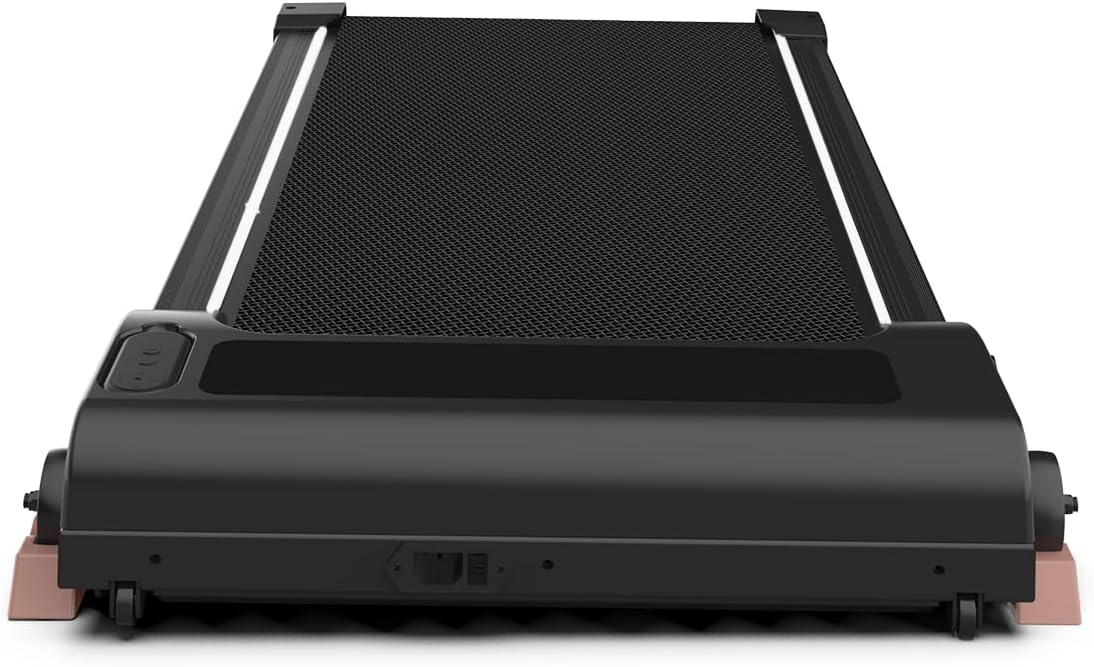
Walking Pad with Incline 9% & Decline -4% 5 Level, Under Desk Treadmill
Check current Amazon price
A separate listing carrying the same product title as the other five level incline and decline model, with the same stated 9 percent incline and 4 percent decline range.
Visit on Amazon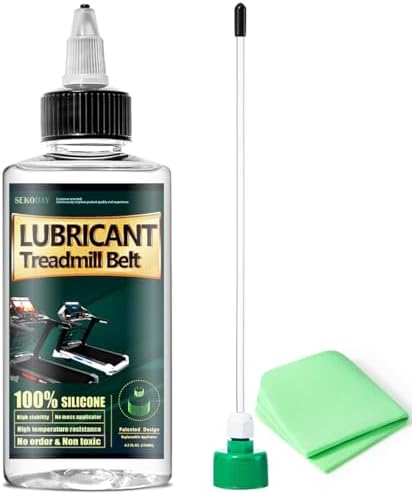
Under Desk Treadmill with Incline, Portable Walking Pad with Handlebar
A portable under desk treadmill with a stated incline and an included handlebar, aimed at buyers who want something to hold onto during the first weeks of use.
Visit on Amazon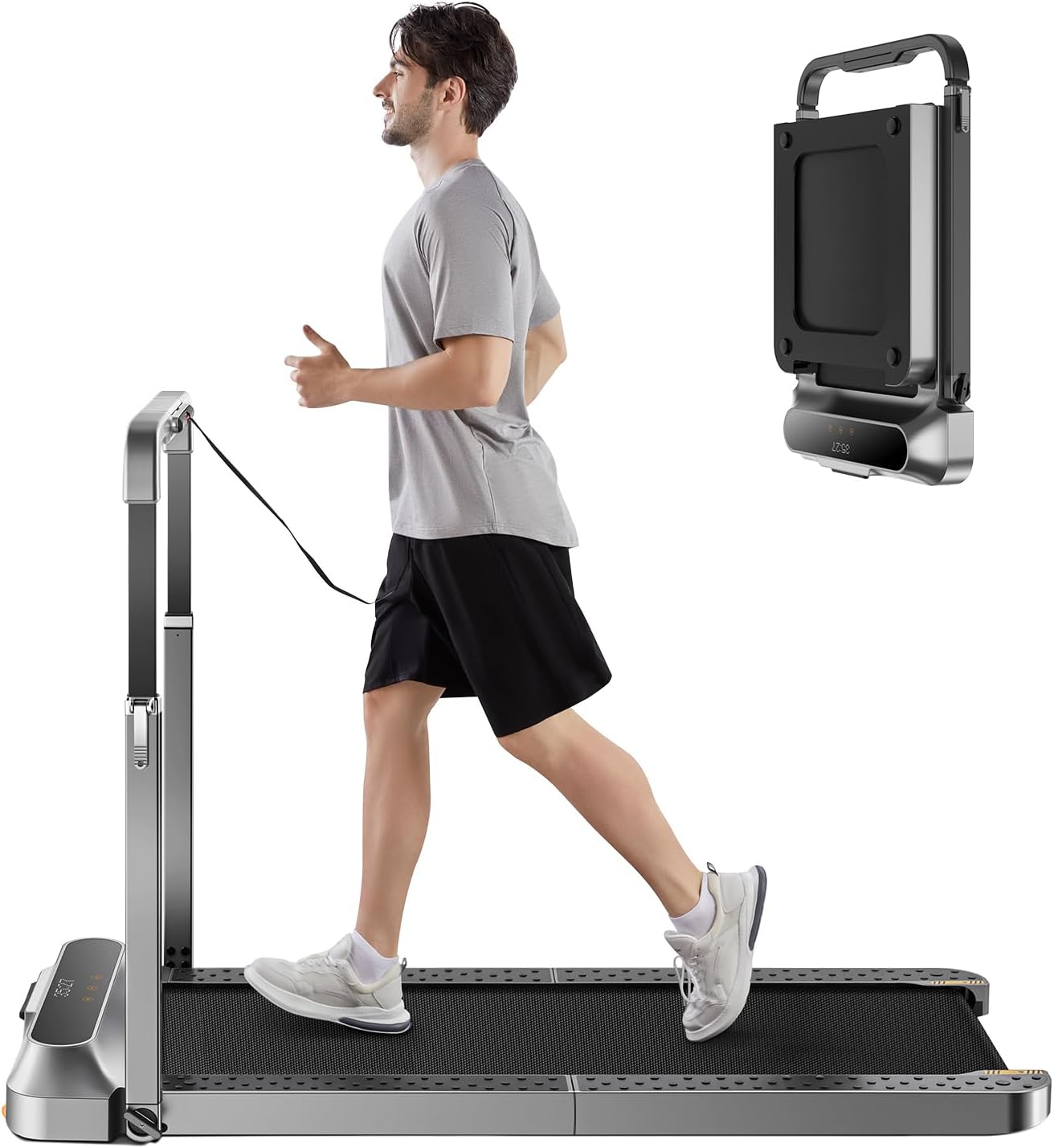
WALKINGPAD Folding Treadmill, 2 in 1 Walking Pad with Handle Bar
A folding 2 in 1 walking pad with a handle bar, described for both under desk use and upright walking depending on how the handle is positioned.
Visit on Amazon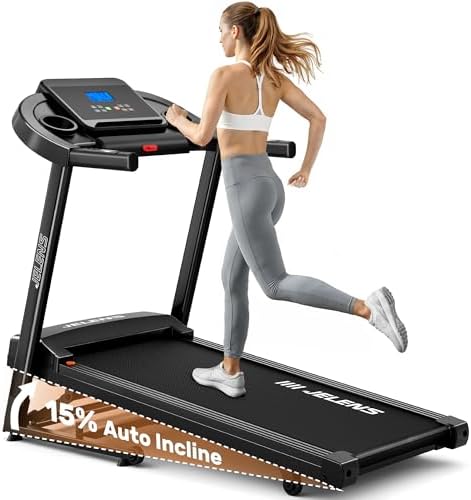
JELENS Treadmill for Home with 0-15% Auto Incline, Foldable Walking Pad Treadmill with 330LBS Weight Capacity and Pulse Sensors, 3.0HP Quiet Walking Pad with App and LCD Display (Black)
Check current Amazon price
A foldable walking pad treadmill with a stated 0 to 15 percent auto incline, a 330 LBS weight capacity, pulse sensors, a 3.0HP motor, app support, and an LCD display.
Visit on AmazonPrices and availability may change. Check the retailer for current details.
How these products were compared
Five things separate these listings, and none of them is a marketing phrase like "professional grade." The first is incline range and how you control it. The two five level models cover a stated 9 percent incline and 4 percent decline, the FOUSAE model states a 10 percent incline, and the JELENS model states an automatic 0 to 15 percent incline. The second is whether the pad includes a handlebar or handle bar, which changes how confident you feel during the first week and how the unit folds. The third is the stated drive, from the 2.75HP brushless unit on the FOUSAE listing to the 3.0HP motor on the JELENS listing. The fourth is stated weight capacity, including 350 LBS on one listing and 330 LBS on another. The fifth is the interface: a remote control, a full screen LED display, an LCD display with app support, or nothing beyond a console.
Product names, images, and retailer links are matched by ASIN so that every card points to the product shown. Where a listing does not state a detail, this guide does not fill the gap, because guessing at belt width or noise output is how buyers end up disappointed. Note also that two of the six listings carry an identical product title. They are separate listings, so confirm you have landed on the one you intended before you order, and check the stated specifications on the page you are actually buying from.
How to choose the right walking pad with incline
Start with how the incline is controlled, because that single choice decides whether you will use the feature or leave it parked at one setting. A five level incline and decline pad is a set it and forget it machine: you pick a level before you start walking and the deck stays there. An auto incline pad moves the deck while you walk, which matters if you want to warm up flat, ramp up for twenty minutes, then come back down without breaking stride. If you have never used an incline at all, the simpler manual levels are not a compromise. If you plan to change angle several times per session, automatic control is the feature worth paying for.
Then decide whether you want a handlebar or handle bar. On an incline, your center of gravity shifts and the deck feels less predictable than a flat belt, especially barefoot. A handlebar gives you something to grab during the first weeks, but it also raises the folded footprint, adds width, and can stop the pad from sliding fully under a low desk. A folding 2 in 1 design with a handle bar solves part of that by letting the handle fold down, and it also gives you the option of upright walking when your desk is raised. If your desk is already tight on clearance, measure before you fall in love with a handle.
Do not buy on top speed. One listing here states 6.2MPH, which is well beyond walking pace and mostly irrelevant to a workday pad. Your working range is roughly 1.5 to 3 mph, and what determines whether that range feels good is belt stability at 2 mph, deck height, and how easy the machine is to stop. A pad that wobbles at 2.5 mph is a worse purchase than a slower, steadier one. Treat any speed above 4 mph as headroom you will rarely touch, not as a quality signal.
Finally, look hard at the interface. A physical remote is the control you will use most, and it is also the part most likely to fail first, so a pad that also has an on-machine display gives you a fallback when the battery dies. App control is a genuine convenience for auto incline and workout logging, but it depends on the app continuing to exist and on you being willing to create an account. If you would rather not hand over an email address to change speed, prioritize a remote and a display. If you are still working out what deck and belt dimensions your stride needs, read the guide to belt width and deck height before you compare motors.
Walking Pad with Incline, FOUSAE 6.2MPH Walking Pad Under Desk Treadmill with 10% Incline, Full Screen LED Display, 2.75HP Brushless Drive, 12 HIIT Programs, Remote Control, 350 LBS Capacity
This is the pick because of the combination rather than any single number. The listing states a 10 percent incline, a full screen LED display, a remote control, a 2.75HP brushless drive, 12 HIIT programs, and a 350 LBS capacity. A brushless drive is the spec to care about for a pad you leave running for an hour at a time, and the 350 LBS capacity is the highest stated figure among the incline models here. The built-in programs also give you structure if you would otherwise just leave the pad at one speed, and the display means you are not dependent on the remote to see where you are.
The trade-offs are real. The incline is stated as a single 10 percent figure rather than an adjustable range, so you get the angle or you get flat, not a smooth ramp. There is no handlebar and no folding handle, so this is a pad that lives under the desk rather than one you tuck against a wall. There are no pulse sensors and no app, which is a feature gap if you track heart rate, though it also means fewer things that can break or require an account. And the stated 6.2MPH top speed is far above walking pace, so most of that capability is unused in a desk setting. Buy it for the drive, the capacity, and the remote, not for the top speed.
Alternatives to consider
The JELENS Treadmill for Home with 0-15% Auto Incline, Foldable Walking Pad Treadmill with 330LBS Weight Capacity and Pulse Sensors, 3.0HP Quiet Walking Pad with App and LCD Display (Black) is better suited to buyers who want the incline to move on its own across a 0 to 15 percent range, and who value pulse sensors, a 3.0HP motor, app control, and a foldable frame. The Walking Pad with Incline 9% & Decline -4% 5 Level, Under Desk Treadmill is a stronger fit when you want to walk downhill as well as up, since it is the only design here that states a decline down to 4 percent alongside its 9 percent incline.
The second listing carrying the same five level incline and decline title is worth opening side by side with the first, because identical names do not mean identical configurations, and only the listing you order from defines what you receive. The Under Desk Treadmill with Incline, Portable Walking Pad with Handlebar covers the entry point for buyers who want a handle to hold and a portable frame, while the WALKINGPAD Folding Treadmill, 2 in 1 Walking Pad with Handle Bar covers the folding, dual-purpose end of the category for anyone who wants to switch between desk walking and upright walking.
Day-to-day use and maintenance
Where you put the pad matters as much as which one you buy. A tilted deck on carpet behaves differently than the same deck on hardwood, and the front of an incline pad needs clearance so the deck can lift without hitting a baseboard or a desk crossbar. Measure the clearance under your desk before the pad arrives, and check that your chair still rolls past it, because the pad that never gets used is usually the one that made the chair annoying.
For the incline mechanism itself, let the deck finish moving before you step on, whether it is a manual five level design or an auto incline model. Stepping onto a deck that is still tilting is how people roll an ankle. Keep the belt clean and follow the lubrication interval in the manual for your specific model, since belt materials differ and over-lubricating is as bad as skipping it. If the belt drifts to one side, adjust tracking per the instructions rather than walking through it.
Two habits protect the machine. First, keep the pad on a hard, level surface and check the transport wheels periodically, because a wheel that scrapes the floor is a sign the frame is flexing under load. Second, treat the remote as a consumable. Store it where it will not be crushed, replace the battery when response gets sluggish rather than when it dies completely, and use the on-machine display as your backup control so a dead battery never strands you mid-walk. And keep the pad at walking pace. An incline under desk treadmill is not a running machine, and the safety profile at speed is different from the one you bought.
Buying checklist
- Measure the clearance under your desk, including the height of a tilted deck and the folded footprint of any handlebar or handle bar.
- Choose the incline control type based on normal use: five manual levels if you set it and forget it, auto incline if you change angle mid-session.
- Confirm that the exact model includes the feature you care about, whether that is a remote control, a full screen LED display, pulse sensors, or app support.
- Read the cleaning and maintenance instructions for the belt and the incline mechanism before the first walk.
- Verify the current retailer price, availability, and return terms on the listing you are actually ordering from, especially where two listings share the same title.
Final recommendation
Choose the Walking Pad with Incline, FOUSAE 6.2MPH Walking Pad Under Desk Treadmill with 10% Incline, Full Screen LED Display, 2.75HP Brushless Drive, 12 HIIT Programs, Remote Control, 350 LBS Capacity when you want a brushless drive, a stated 350 LBS capacity, a physical remote, and built-in programs, and you are happy to set a single 10 percent incline rather than adjust it continuously. Choose the JELENS Treadmill for Home with 0-15% Auto Incline, Foldable Walking Pad Treadmill with 330LBS Weight Capacity and Pulse Sensors, 3.0HP Quiet Walking Pad with App and LCD Display (Black) when auto incline, pulse sensors, app control, and a folding frame matter more than a higher stated capacity. If you want to walk downhill as well as uphill, the five level incline and decline design is the only one here that states a decline range. Whatever you pick, confirm the listed specifications on the page you order from, because the two identically titled listings are a reminder that names repeat and configurations do not.